Phone Function
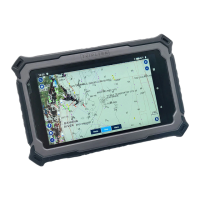
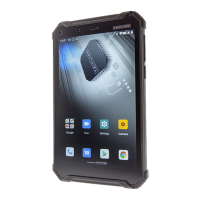
The TRIPLTEK T82 is an unlocked device that works with all
major cellular carriers in the United States. It will need a SIM
card activated for a Smartphone.
TRIPLTEK also supports dual SIM cards , and it will handle
calls from both SIM cards.
Phone APP
Tap Phone App from the application list.
You can use any of the three ways to place a call:
● Enter the number using the virtual numeric keypad on
the screen
● Select a number from the call history.
● Select a number from contacts.
Answer a call
To answer an incoming call, swipe up the screen and press
answer button.
Decline or end a call
To decline a call, press the reject button. To finish a call tap
the red button.
Call settings
To change the call app settings, tap the button at the upper
left corner at the dial-up interface.
Ringtone & Vibration
You can set different ringtones for incoming calls.
Settings > Sound and vibration> Select phone ringtone, to
open a list of default ringtones, select the desired ringtone,
and then select OK to confirm.


 To Next Page