Assembling
Unpack
Check your product box for the following items
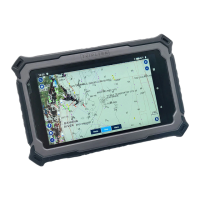
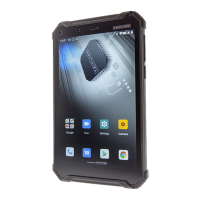
● TRIPLTEK 8”
● User manual
● USB 9V Fast Power
Charger
● USB to USBc charging and
data cable
● USB to USBc adapter
● Hand Strap
For additional accessories. Please visit TRIPLTEK
website.
Charge the battery
Before using the device for the first time, you must charge
the battery.
.
Warning:Use only the original USB charger.
Unapproved chargers or cables can cause batteries to
explode or damage your device.
Installing a SD card
To have an additional store, you can use a SD card.
1. Press with the pin into the slot to extract the SIM
card/ SD card Tray.
2. Place the SD card into the upper part of the Tray.
3. Place the Tray into the tablet all the way in.
Notice: TRIPLTEK uses approved industry standards for
memory sd cards, but some brands may not be fully
compatible with your device.


 To Next Page