Getting started
Home screen
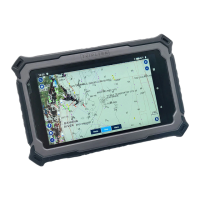
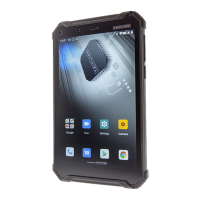
The home screen has multiple panels. Scroll left or right to
the panels on the home screen, you can view indicator
icons, widgets, shortcuts to applications, and other items.
Swipe up to see other APPs installed on your device.
Task bar
The task bar is shown at the top of the screen. It displays
commonly used option buttons, battery level indicator,
current time and other indicator icons of running apps.
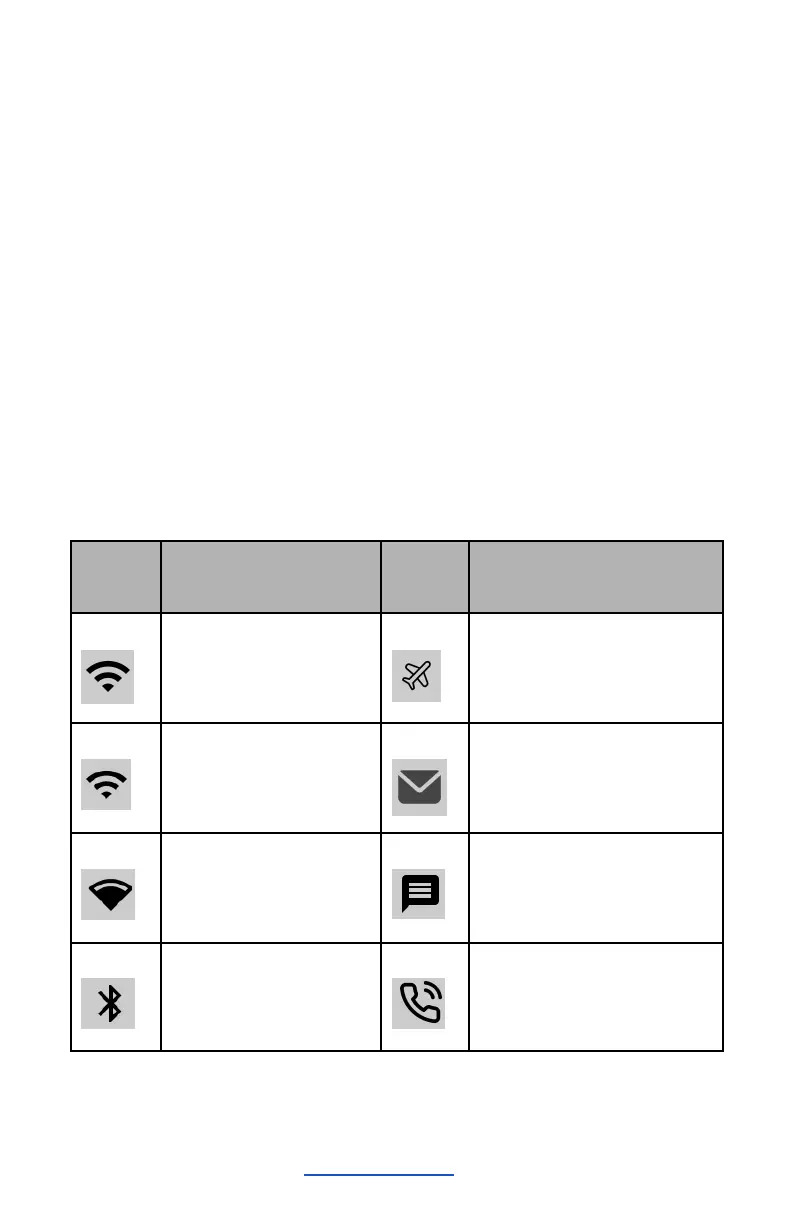
Indicator icons


 To Next Page