Stakeout Menu
R-145
Show Station and Offset
6WDNHRXW
6KRZ 6WDWLRQ
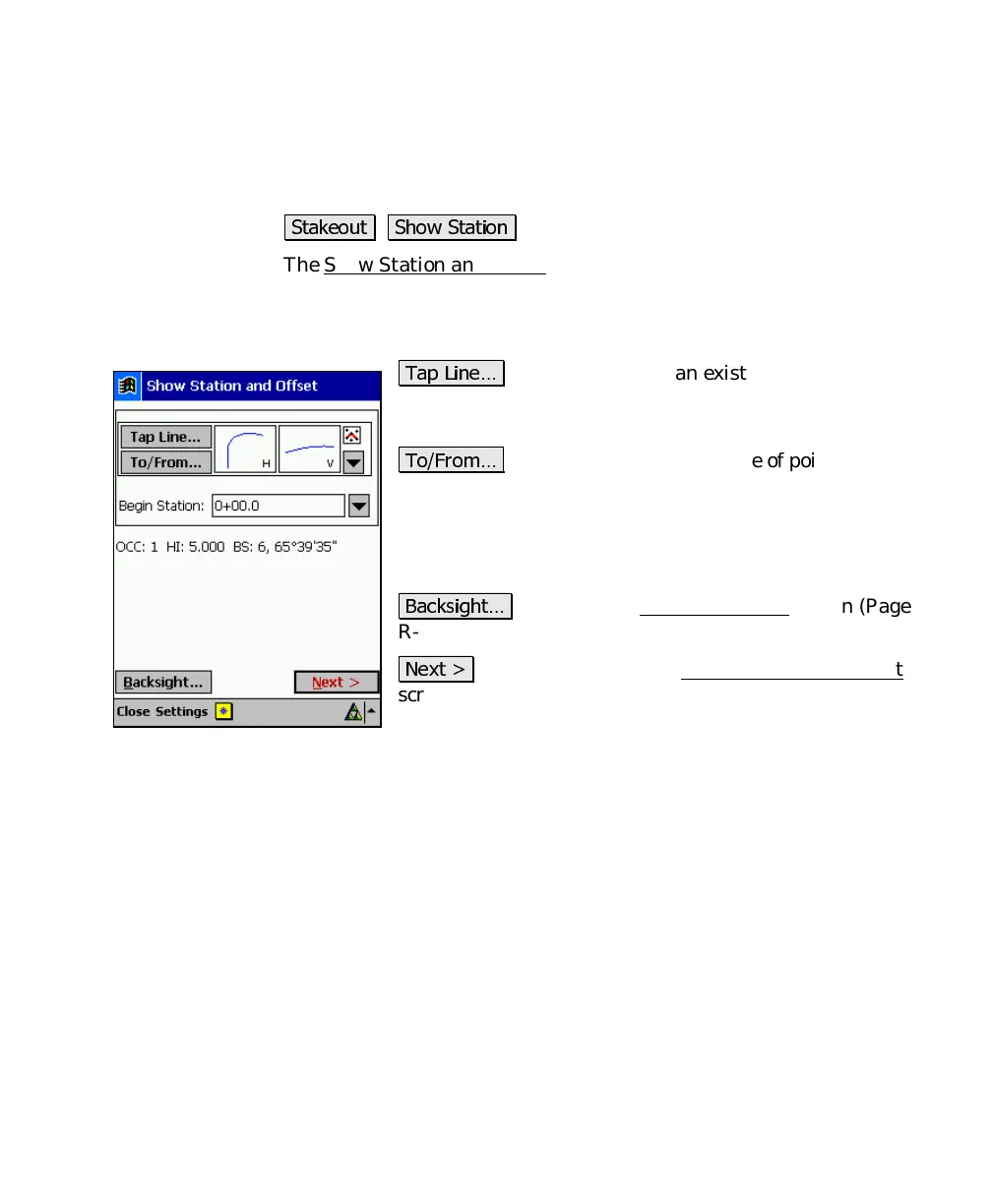
The Show Station and Offset routine allows you to take a shot to a
prism that is positioned anywhere near a polyline, a range of points
that define a line, or an alignment to see where the prism is located
in relation to the line.
7DS /LQH«
: allows you to tap an existing polyline or
alignment that the station and offset will be computed
from.
7R)URP«
: allows you to enter a range of points that
define the line where the station and offset will be
computed from.
Begin
Station
: is the station assigned to the beginning of
the line.
%DFNVLJKW«
: accesses the Backsight Setup
screen (Page
R-78).
1H[W !
: takes you to the next Show Station and Offset
screen where the slope staking parameters are set up.



 To Next Page