Survey Pro Reference Manual
R-26
' %& #
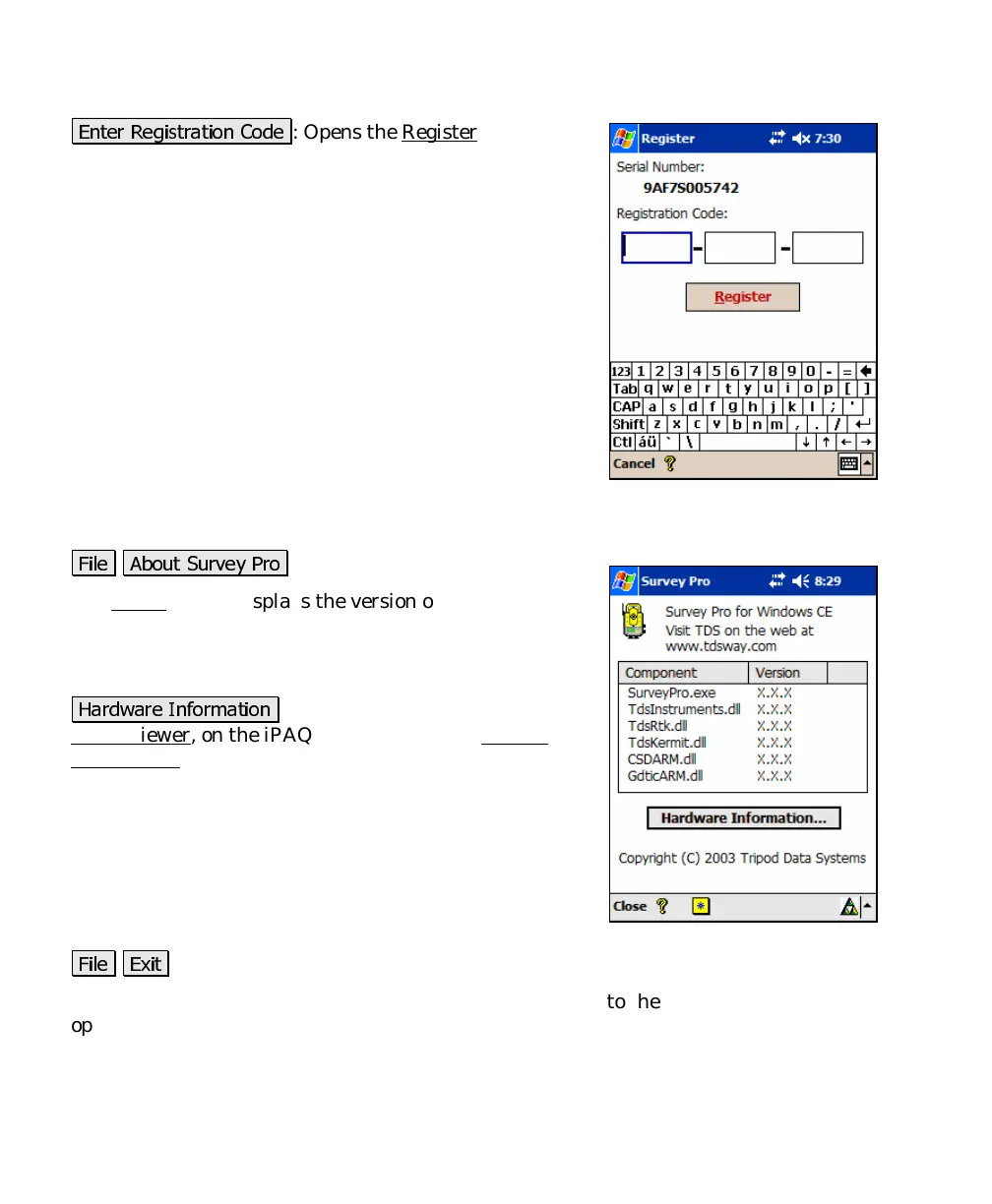
: Opens the Register
dialog box,
shown, where the registration number for a particular
module can be entered.
About Survey Pro
The About screen displays the version of the Survey Pro
CE software and the versions of several of the Survey
Pro software files, which can be updated from the TDS
Website.
-# !+"
: is a shortcut to the Microsoft
Asset Viewer, on the iPAQ and the Windows System
Information screen on the Recon.
Exit
'
This will close the Survey Pro CE software and return you to the
operating system installed on your data collector.



 To Next Page