6
Operation
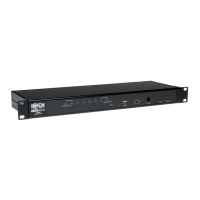
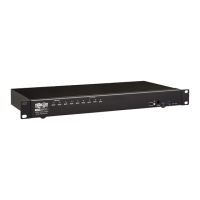
The B024-DPU08 / B024-DPU16 provides four port selection methods to access the computers on the installation:
Manual Switching, an On-Screen Display (OSD) menu system, Hotkeys, and RS-232 commands. For detailed
information, please refer to the B024-DPU08 / B024-DPU16 Owner’s Manual, available at tripplite.com/support/
downloads.
Manual Switching
Use the front panel pushbuttons to manually switch to a port.
OSD (Port Switching)
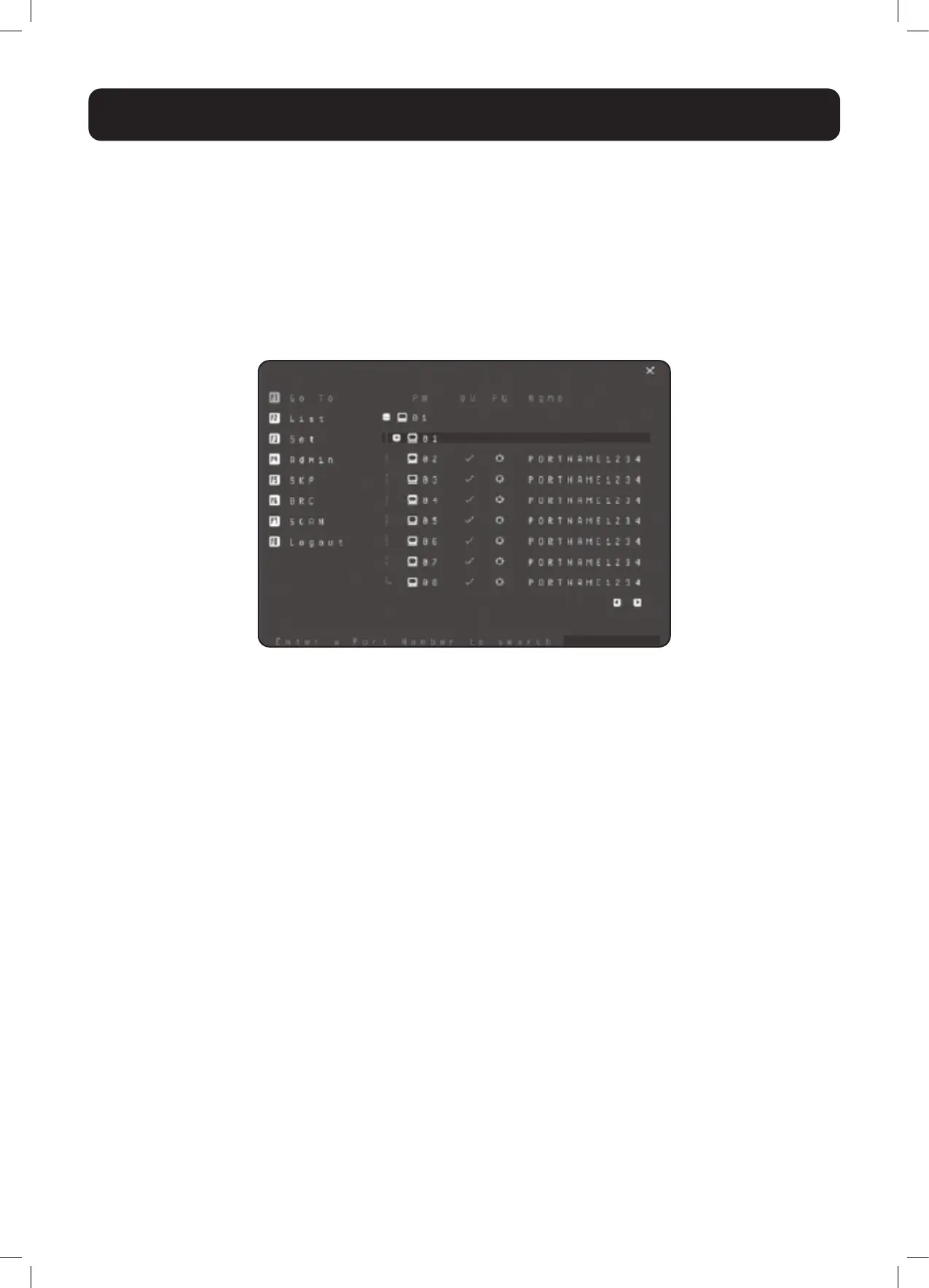
The on-screen display (OSD) is a mouse-and-keyboard enabled, menu-driven method to handle computer control and
switching operations. All procedures start from the OSD main screen.
Default OSD Hotkey: Press the [Scroll Lock] key twice to display the OSD. If this is the first time the OSD is being run
or if the password function has not been set, simply press [Enter].
To log in as an administrator, use default username and password: administrator / password. For more information,
refer to the B024-DPU08 / B024-DPU16 Owner’s Manual, available at tripplite.com/support/downloads.




 To Next Page