7
Mounting (Rack)
2-Post Mounting
2-post mounting requires a Tripp Lite 2-Post Rack-Mount Installation Kit (model: 2POSTRMKITWM,
sold separately).
Mounting (Tower)
Warning: When mounting the UPS system in a tower orientation, make sure the LCD panel
is at the top of the UPS, not at the bottom.
Note: To mount the UPS in an upright (tower) position, 2-9USTAND is required (sold separately).
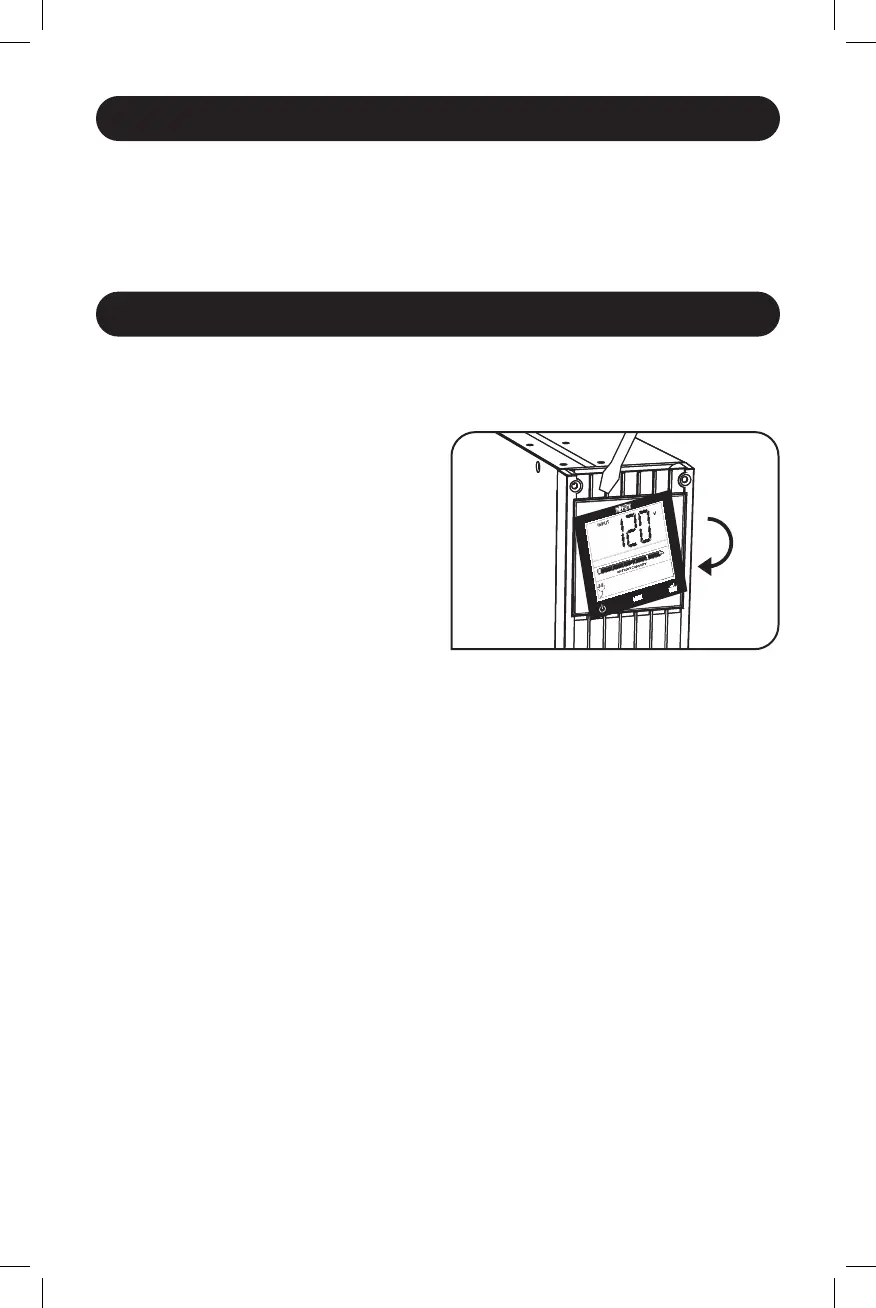
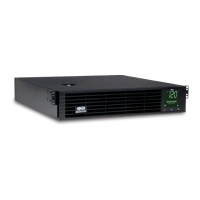
Rotate the LCD Screen panel for easy viewing
while the UPS is tower mounted. Insert a small
screwdriver, or other tool, in the slots on either
side of the panel. Pop the panel out, rotate it
and pop the panel back in place.
21-07-111-933088-Book.indb 721-07-111-933088-Book.indb 7 7/28/2021 4:49:37 PM7/28/2021 4:49:37 PM




 To Next Page