4
MicroIQ Electronic Lock Programming Guide
Programming Instructions
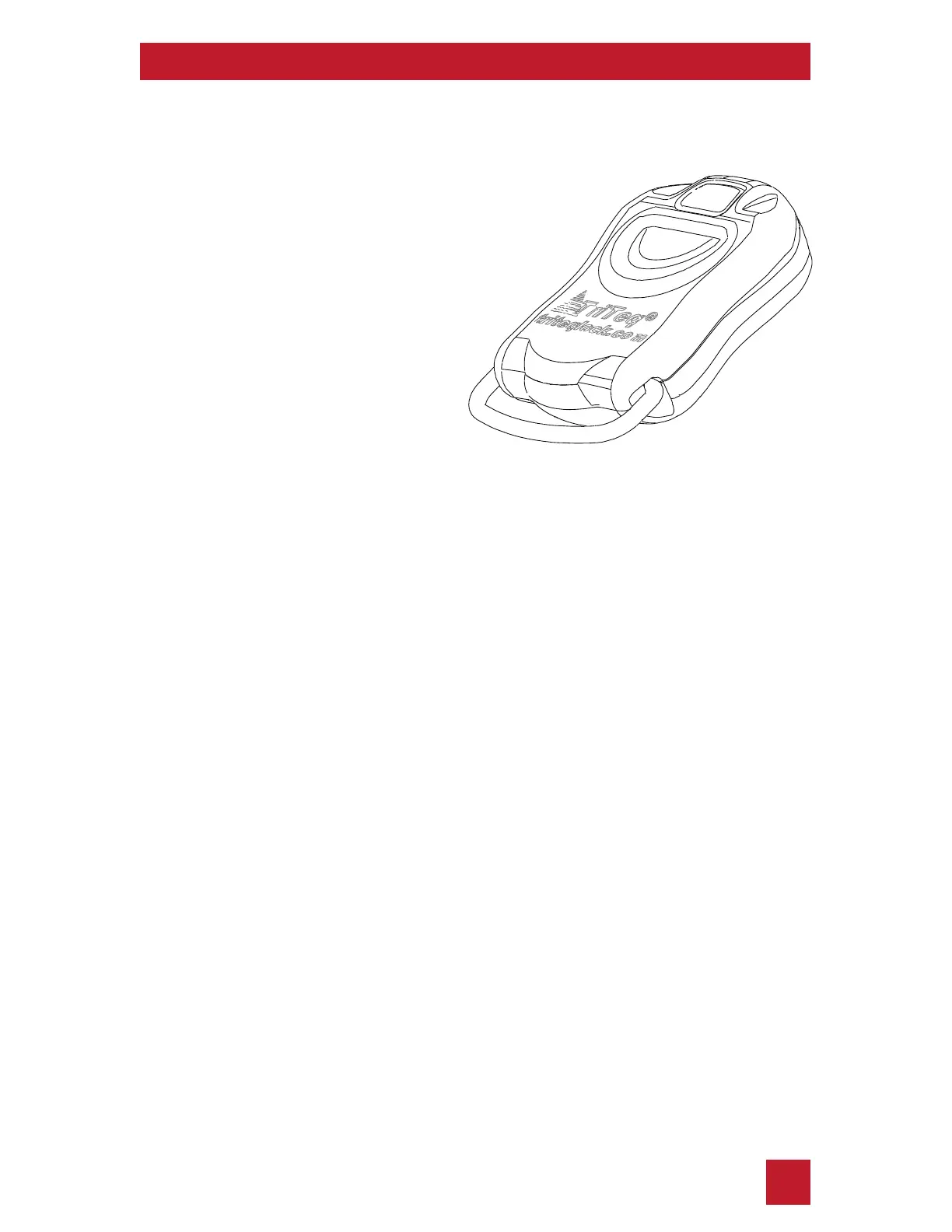
Adding a Control Key-Fob
Note:
The Factory Code should be
changed to a new Master
Code before proceeding
with the programming
a Control Key-Fob.
Now you can use the Control Key-Fob to operate the lock.
1. With the lock in either unlocked or locked position, press and
hold the Program Button
(located below the #3 button) for 5
seconds.
The keypad will enter programming mode, and the green LED
will light up.
2. Enter your 5-digit Master Code
If the code is entered correctly, the green LED will light up.
Proceed to step 3.
If no code is entered within 10 seconds, or if the code is entered
incorrectly, then the red LED will flash 3 times.
To try again, return to step 1.
3. Press and hold the Program Button for 5 seconds.
The red LED will flash once, and then the green and yellow LEDs
will light up.flash once, and then the green and yellow LEDs will
light up.
4.
Point your Control Key-Fob under the Program Button and press
the center button of the fob.
A Control Key-Fob can be used insted of the
keypad to open or program the lock.
A Control Key-Fob can be paired to as many
MicroIQ locks as desired.


 To Next Page