EasyManua.ls Logo

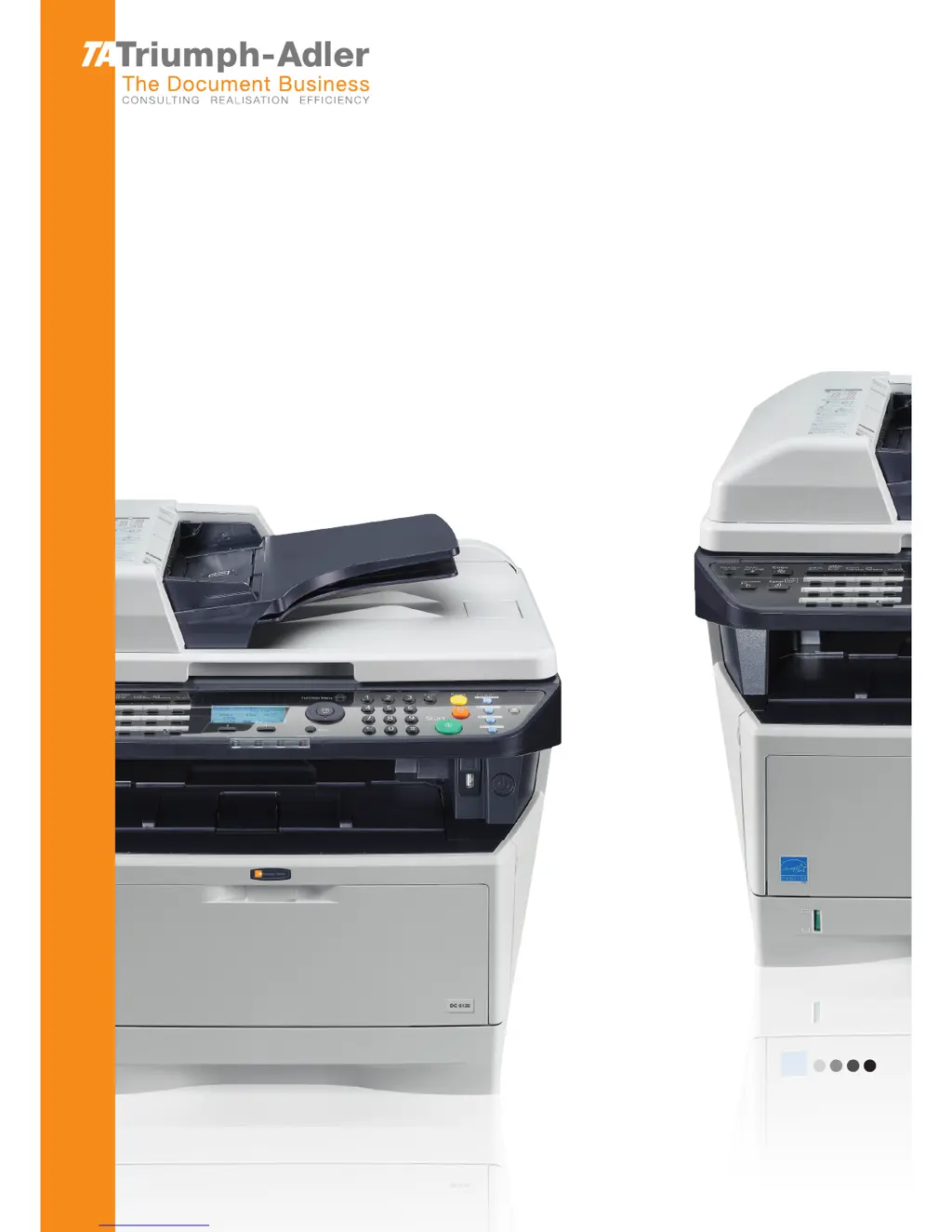
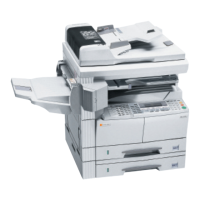
Triumph Adler DC 6130/P - User Manual

Triumph Adler DC 6130/P
438 pages
Print Icon
To Next Page IconTo Next Page
Loading...
User Manual
DC 6130/P/6135/6230/6235
Digital Multifunctional System
Copy / Print / Scan / Fax
A4

Table of Contents

Other manuals for Triumph Adler DC 6130/P

Questions and Answers

  • A
    Anthony ReeseSep 23, 2025
    What does 'Unknown toner Installed. PC' mean on my Triumph Adler All in One Printer?
    • C
      christopherrichardsonSep 23, 2025
      If your Triumph Adler All in One Printer displays 'Unknown toner Installed. PC', it means the installed toner container's regional specification doesn't match the machine's. Install the specified container.
  • M
    Miranda MathewsAug 25, 2025
    Why does my Triumph Adler All in One Printer paper often jam?
    • M
      Mark AdamsAug 25, 2025
      If paper often jams in your Triumph Adler All in One Printer, several reasons could be the cause. Ensure the paper is loaded correctly. Check if the paper is of the supported type and in good condition; if not, remove it, turn it over, and reload it. Replace curled, folded, or wrinkled paper with new paper. Also, remove any loose scraps or jammed paper from the machine.
  • L
    Leslie RiveraAug 25, 2025
    What to do if my Triumph Adler All in One Printer cannot print?
    • D
      Danielle AguilarAug 26, 2025
      If your Triumph Adler All in One Printer cannot print, first ensure the machine is plugged into an AC outlet and turned on. Check that the printer cable is securely connected. If the machine was powered on before connecting the cable, power it on again after connecting the cable. If the print job is paused, press [Resume]. Finally, if an error message is displayed, follow the corresponding procedure.
  • J
    Jennifer GonzalezAug 27, 2025
    What to do if my Triumph Adler All in One Printer printouts are too dark?
    • P
      Peter Strickland DDSAug 27, 2025
      If your Triumph Adler All in One Printer's printouts are too dark, check the density settings. If the machine is in Auto Density mode, set the correct density level for auto density. If it's in Manual Density mode, select the correct density level.
  • B
    Bailey GlassSep 23, 2025
    Why is part of the image periodically faint or shows white lines on my Triumph Adler All in One Printer?
    • S
      Samuel BrownSep 23, 2025
      If part of the image is periodically faint or shows white lines on your Triumph Adler All in One Printer, the developer unit might not be attached correctly. Attach the developer unit correctly.
  • N
    nicholasleeSep 13, 2025
    What to do if my Triumph Adler All in One Printer cannot send via SMB?
    • D
      Donald MorrisonSep 13, 2025
      If your Triumph Adler All in One Printer cannot send via SMB, ensure the network cable is securely connected. Verify that the network settings for the equipment have been configured properly, including TCP/IP settings, folder sharing settings, and access privileges. Confirm that the SMB protocol is set to [On]. Check that the [Host Name], [Path], [Login User Name], and [Login Password] have been entered correctly. Ensure the same domain name hasn't been used for both [Host Name] and [Login User Name]. Configure exceptions for Windows Firewall properly. Finally, ensure the time settings for the equipment, domain server, and data destination computer are the same.
  • X
    xgarciaSep 12, 2025
    What to do if the top edge or back of the paper is dirty after printing with my Triumph Adler All in One Printer?
    • M
      melaniejarvisSep 12, 2025
      If the top edge or back of the paper is dirty after printing with your Triumph Adler All in One Printer, the inside of the machine may be dirty. Clean the inside of the machine.
  • B
    brittany48Sep 12, 2025
    What does it mean when my Triumph Adler All in One Printer says 'Load paper in cassette 1'?
    • M
      Michelle PetersonSep 12, 2025
      If your Triumph Adler All in One Printer displays 'Load paper in cassette 1', it means the indicated cassette is out of paper. Load paper into the cassette.
  • K
    kylebarronSep 4, 2025
    What to do if my Triumph Adler All in One Printer cannot print with USB memory?
    • M
      Matthew CooperSep 4, 2025
      If your Triumph Adler All in One Printer cannot print with USB memory, check if the USB host is blocked. If it is, select Unblock in the USB host settings.
  • D
    Dana JensenSep 2, 2025
    Why are my Triumph Adler All in One Printer printouts wrinkled or curled?
    • J
      josephcaldwellSep 2, 2025
      If your Triumph Adler All in One Printer's printouts are wrinkled or curled, the paper might be damp. Replace the paper with new paper.

Triumph Adler DC 6130/P Specifications

General IconGeneral
BrandTriumph Adler
ModelDC 6130/P
CategoryAll in One Printer
LanguageEnglish

Related product manuals