EasyManua.ls Logo

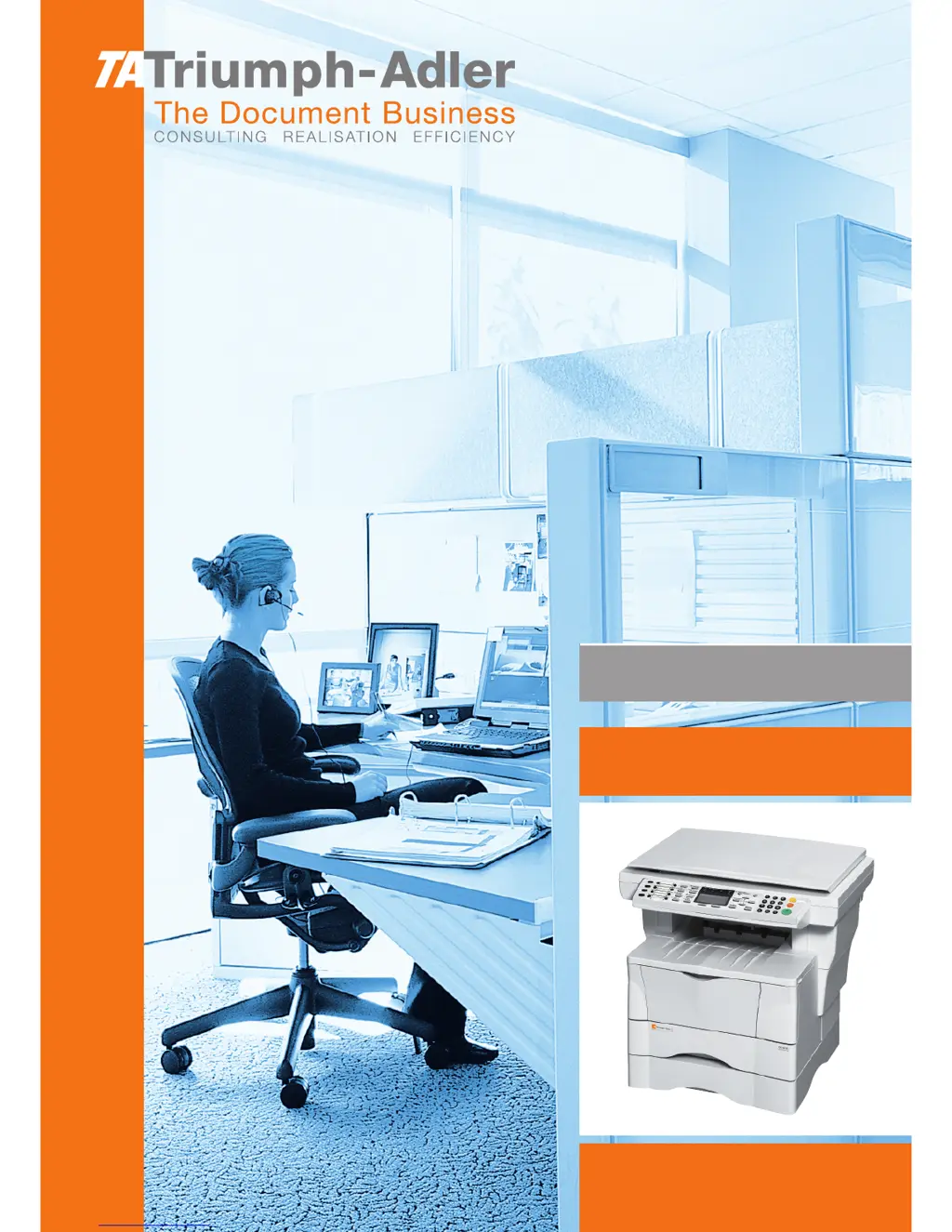
Triumph Adler DC 2018 - User Manual

Triumph Adler DC 2018
144 pages
Print Icon
To Next Page IconTo Next Page
Loading...
Instruction Handbook
Advanced
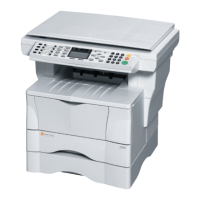
DC 2018
Digital Multifunctional
System

Table of Contents

Questions and Answers

  • C
    Cheyenne YoungJul 31, 2025
    What to do if settings are not registered on Triumph Adler DC 2018?
    • N
      Natasha KellyJul 31, 2025
      If the settings you made on your Triumph Adler All in One Printer are not registered, ensure you click the Submit button before leaving the page or closing the EWS window. Also, restart the machine to register all settings.
  • G
    gardnerbryanAug 7, 2025
    Why characters do not display properly in EWS of Triumph Adler DC 2018 All in One Printer?
    • R
      richardclaytonAug 7, 2025
      If characters are not displaying properly in EWS on your Triumph Adler All in One Printer, use a browser application that supports EWS.
  • A
    Alyssa ReeseAug 15, 2025
    What to do if I can’t perform settings on Triumph Adler DC 2018?
    • T
      Tammy BlakeAug 15, 2025
      If you can't perform settings on your Triumph Adler All in One Printer, please wait until the current operation is completed.
  • G
    George AshleyAug 22, 2025
    What to do if I can’t access the other pages on Triumph Adler DC 2018?
    • C
      conniemartinAug 22, 2025
      If you can’t access other pages on your Triumph Adler All in One Printer, enter the password.

Summary

Copying Functions

Selecting the Paper Source

Configures the paper source for copying operations, allowing selection from cassettes or MP tray.

Selecting Original Quality Mode

Sets the copy quality based on the original type, such as text, photo, or mixed.

Scanning Functions

Scanning Documents

Initiates document scanning and transmission to destinations like email or PC folders.

Printer Settings

Network Settings

Configures machine settings for network printing and email functionality.

TCP;IP Setting

Enables TCP/IP for network connectivity, essential for network printing.

IP Address Setting

Assigns a static IP address to the machine for network communication.

Operation Status

Checking Jobs Status

Displays the current status of print jobs, indicating progress or completion.

System Settings

Editing the Address Book

Manages contact and group addresses for destinations like email, PC folders, and fax.

User Login Management

Entering User Login

Provides access to machine functions by entering a registered User ID and password.

Job Accounting

Enabling Job Accounting

Activates the job accounting feature to control copies and prints by user ID.

Managing Accounts

Registers new accounts, sets usage limitations, and manages existing user accounts.

Using EWS (Embedded Web Server)

System Requirements

Details the operating systems and web browsers required for accessing the Embedded Web Server.

Accessing EWS

Guides on how to connect to and navigate the machine's web interface.

Basic Page

Manages device defaults, security settings, and basic network configurations.

Appendix

Paper Selection

Provides guidelines and specifications for choosing the appropriate paper for printing.

Triumph Adler DC 2018 Specifications

General IconGeneral
BrandTriumph Adler
ModelDC 2018
CategoryAll in One Printer
LanguageEnglish

Related product manuals