EasyManua.ls Logo

Triumph Adler LP 4335 - User Manual

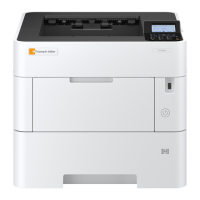
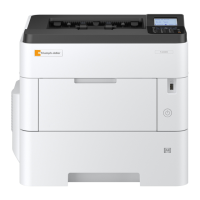
Triumph Adler LP 4335
108 pages
Print Icon
To Next Page IconTo Next Page
Loading...
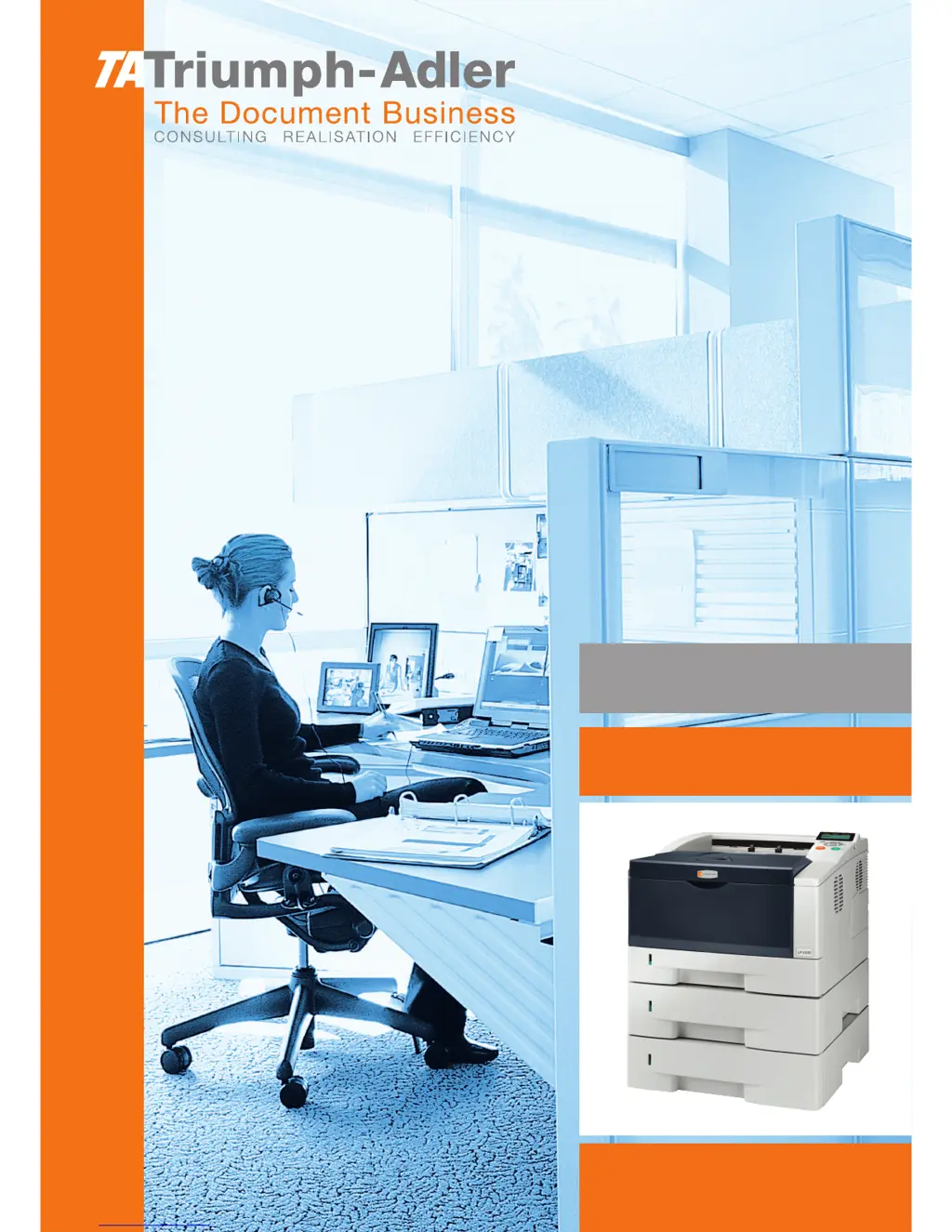
LP 4335
Laser Printer b/w
Instruction Handbook
Advanced

Table of Contents

Questions and Answers

  • D
    Deanna LopezAug 1, 2025
    What to do if Triumph Adler LP 4335 prints status page but not computer data?
    • A
      Audrey McdanielAug 1, 2025
      If your Triumph Adler Printer prints a status page but not data from the computer, there might be an issue with the program files, application software, or the interface cable. Try printing another file or using another print command. If the problem occurs with a specific file or application, check the printer settings for that application. Also, ensure both ends of the interface cable are securely connected and consider replacing the printer cable.
  • J
    Jim Jimenez Jr.Aug 9, 2025
    Why Triumph Adler LP 4335 operation panel is off?
    • R
      Robin ConleyAug 9, 2025
      If nothing lights up on the operation panel of your Triumph Adler Printer, even when the power is on and the fan makes no noise, check the power cord. Ensure both ends of the power cord are securely connected to the power outlet. If the issue persists, try replacing the power cord. Also, verify that the power switch is in the On (|) position.
  • P
    Patrick MayAug 16, 2025
    Why is vapor coming from my Triumph Adler LP 4335 Printer?
    • T
      tcarterAug 16, 2025
      Vapor may be emitted from your Triumph Adler Printer if the temperature is low near the printer or if the paper has been exposed to humidity. Heat generated during printing can evaporate water moisture in the printed paper, emitting vapor. Printing can be continued without any problem. To correct this, increase the temperature in the room and use paper that has been stored in a dry place.
  • R
    Robert AndrewsAug 25, 2025
    What to do if text is missing on Triumph Adler LP 4335 Printer Windows test page?
    • D
      Debra BrewerAug 25, 2025
      If text is missing on the Windows test page of your Triumph Adler Printer, note that this is a problem specific to the Windows OS and not a printer problem. It does not affect print quality.

Summary

Paper Handling

General Paper Guidelines

Explains paper compatibility, grades, specifications, and handling.

Selecting the Right Paper

Covers paper condition, composition, sizes, and properties for optimal printing.

Special Paper Types

Details requirements for using transparencies, labels, envelopes, and other special papers.

Paper Type Configuration

Lists supported paper types and their settings for MP tray and cassettes.

Using the Operation Panel

Panel Overview and Controls

Describes the operation panel's LCD, keys, indicators, and basic navigation.

Printer Configuration Settings

Covers menu selection, paper, print settings, duplex, emulation, fonts, quality, and page setup.

Network and Security Setup

Details network (TCP/IP, IPv6) and security settings for printer access and data protection.

Maintenance and Administration

Explains administrator settings, printer maintenance, and adjustments.

Printer Options

Overview of Available Options

Introduces printer options like memory modules, paper feeders, and cards.

Expansion Memory Module

Details how to install and handle printer memory modules for performance enhancement.

Paper Feeder PF-100

Explains the PF-100 paper feeder for continuous, high-volume paper feeding.

CompactFlash CF Card

Covers the use of CF cards for storing fonts, macros, and overlays.

Computer Interface

USB Interface Specifications

Details USB interface specifications, connectors, cables, and pin assignments.

Network Interface Features

Covers network interface features, protocols, connector, and operating system support.

Glossary

Technical Term Definitions

Provides definitions for technical terms used throughout the manual.

Triumph Adler LP 4335 Specifications

General IconGeneral
TypeLaser Printer
Print TechnologyLaser
Print Resolution1200 x 1200 dpi
Paper SizeA4, Letter, Legal
ConnectivityUSB
InterfaceUSB 2.0, Ethernet
Noise Level55 dB
Print Speed35 ppm

Related product manuals