EasyManua.ls Logo

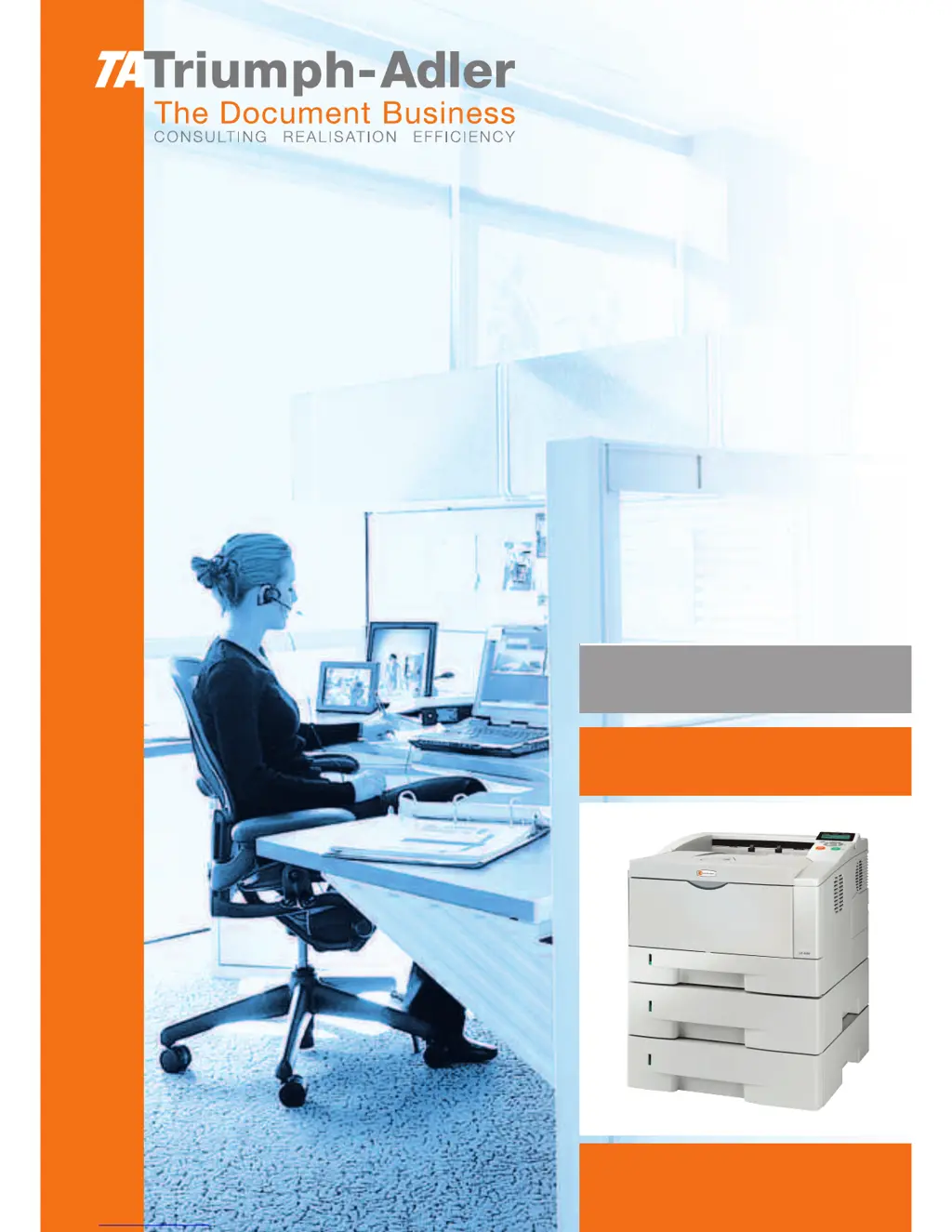
Triumph Adler LP 4230 - User Manual

Triumph Adler LP 4230
189 pages
Print Icon
To Next Page IconTo Next Page
Loading...
Instruction Handbook
LP 4230
Laser Printer b/w

Table of Contents

Questions and Answers

  • S
    Shelby MuellerAug 13, 2025
    What to do if my Triumph Adler Printer prints a status page but not computer data?
    • P
      Patricia BurtonAug 13, 2025
      If the Triumph Adler Printer prints a status page but not data from your computer, the issue could be with program files or application software. Try printing another file or using a different print command. If the problem persists with a specific file or application, review the printer settings for that application. Also, the interface cable might be improperly connected. Ensure both ends of the interface cable are securely connected and consider replacing the printer cable.
  • J
    Jennifer PooleAug 16, 2025
    Why does my Triumph Adler LP 4230 say 'Replace toner Clean printer'?
    • B
      Brandi PierceAug 16, 2025
      If the Triumph Adler Printer displays 'Replace toner Clean printer', it means the toner has run out. You need to replace the toner container with a new toner kit. The printer will not operate until you do so.
  • G
    Gwendolyn SellersAug 20, 2025
    What does 'Add paper MPTray' mean on my Triumph Adler LP 4230?
    • D
      David RosarioAug 20, 2025
      If the Triumph Adler Printer displays 'Add paper MPTray', it means the paper has run out in the displayed paper source. You should supply paper to the indicated paper source, whether it's the paper cassettes, MP tray, or optional paper feeders.
  • S
    Sarah WalkerAug 25, 2025
    How to fix 'Cassette # not loaded' on Triumph Adler LP 4230?
    • F
      Frank FitzgeraldAug 25, 2025
      If the Triumph Adler Printer displays 'Cassette # not loaded', it means the corresponding paper cassette is not installed. Install the cassette; the cassette number can be 1 (topmost) to 4 (bottom).
  • T
    Todd NealAug 27, 2025
    Why is my Triumph Adler LP 4230 printing incomplete or out of position?
    • R
      Ronald FranklinAug 28, 2025
      If the Triumph Adler Printer is printing incomplete or out of position, the printing settings in the application software or the printer driver might be incorrect. Verify that these settings are correct. The problem may also be caused by a PRESCRIBE command error. If the issue occurs only with a specific file or program, the likely cause is an error in a parameter to a command or command syntax.
  • J
    Joseph SchneiderAug 31, 2025
    Why won't my Triumph Adler Printer turn on?
    • C
      Christopher GuerreroSep 1, 2025
      If nothing lights up on the operation panel of your Triumph Adler Printer, even when the power is on and the fan is silent, it could be due to a power cord issue. Ensure both ends of the power cord are securely plugged into the power outlet. Try replacing the power cord. The power switch might also be in the Off position.
  • C
    Carolyn HowellSep 4, 2025
    Why is my Triumph Adler LP 4230 Printer emitting vapor?
    • S
      Steven RogersSep 4, 2025
      If vapor is emitted near the top tray of the Triumph Adler Printer, it could be due to low temperature near the printer or the paper being exposed to humidity. Increase the room temperature and use paper that has been stored in a dry place to correct this.
  • J
    Jason DiazSep 7, 2025
    Why is text missing on the Windows test page of my Triumph Adler Printer?
    • D
      Diane SmithSep 7, 2025
      This issue is specific to the Windows OS and not a printer problem, so it does not affect print quality.

Summary

Legal and Safety Information

Legal and License Details

Covers legal notices, software licenses, and manufacturer disclaimers.

Safety and Installation Precautions

Outlines essential safety measures for printer operation, installation, and handling.

Paper Handling and Loading

Paper Selection and Guidelines

Provides guidance on selecting appropriate paper types, sizes, and weights for the printer.

Connecting and Printing Setup

Printer Driver Installation Steps

Steps for installing the printer driver on Windows and Mac OS.

Printer Maintenance and Care

Toner Container Replacement

Detailed steps for replacing the toner cartridge.

Printer Cleaning Procedures

Instructions for cleaning internal printer components to maintain print quality.

Troubleshooting Printer Issues

Print Quality Solutions

Identifies and resolves issues affecting print output quality.

Error Message Resolution

Lists and explains printer error messages and their corrective actions.

Clearing Paper Jams

Procedures for clearing paper jams from the rear cover.

Operation Panel Functions Guide

Triumph Adler LP 4230 Specifications

General IconGeneral
Print TechnologyLaser
Print Resolution1200 x 1200 dpi
TypeMonochrome Laser Printer
ConnectivityUSB, Ethernet
Paper Capacity250 sheets
Duplex PrintingAutomatic
Operating System CompatibilityWindows, Mac, Linux

Related product manuals