EasyManua.ls Logo

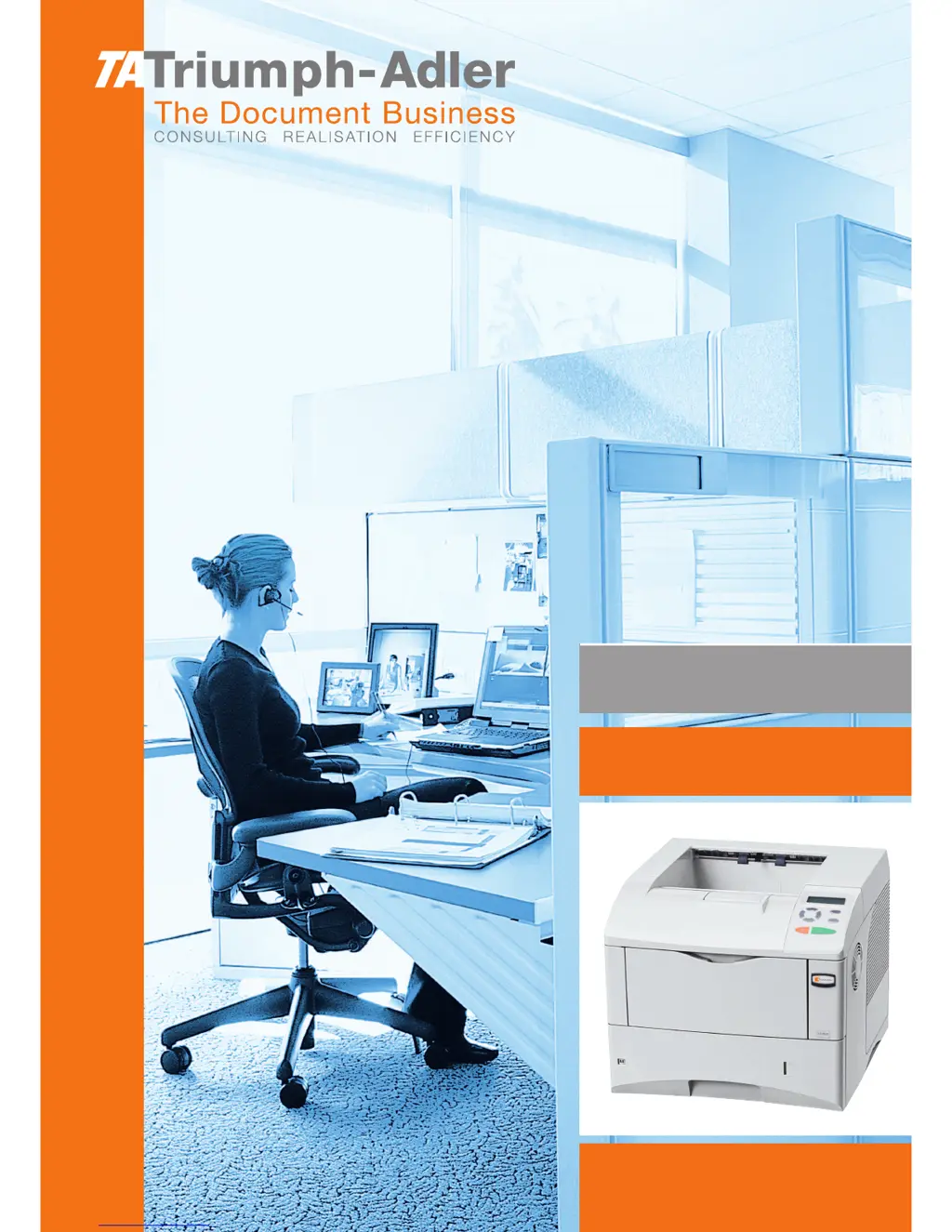
Triumph Adler LP 4030 - User Manual

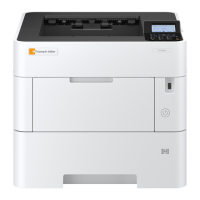
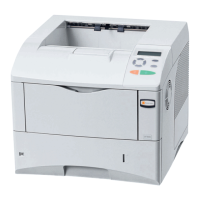
Triumph Adler LP 4030
144 pages
Print Icon
To Next Page IconTo Next Page
Loading...
Instruction Handbook
Advanced
LP 4030 | 4035 | 4045
Laser Printer b/w

Table of Contents

Other manuals for Triumph Adler LP 4030

Questions and Answers

  • J
    juliemejiaSep 23, 2025
    How to remove dirt on paper from Triumph Adler LP 4030 Printer?
    • L
      Linda DixonSep 23, 2025
      To address dirt on the top edge or back of paper from your Triumph Adler printer, clean the parts in the paper paths, such as the paper cassette.
  • R
    Richard LaneAug 25, 2025
    What to do if my Triumph Adler LP 4030 prints a status page but not computer jobs?
    • R
      Richard RodriguezAug 25, 2025
      If your Triumph Adler Printer prints a status page but not jobs from your computer, make sure the printer cable or interface cable is securely connected at both ends. Try replacing the printer cable or the interface cable. Also, the issue might be with specific program files or application software. Try printing a different file or using another print command to see if the problem persists. If it only happens with a specific file or application, review the printer driver settings for that application.
  • J
    Jennifer AdamsAug 25, 2025
    Why is my Triumph Adler Printer printing completely blank pages?
    • J
      josewatsonAug 26, 2025
      If your Triumph Adler printer is producing completely blank printouts, first check the toner container. Open the top cover and make sure the toner container is correctly installed in the printer.
  • J
    Jacob BellAug 27, 2025
    What does 'Add paper MPTray' mean on my Triumph Adler LP 4030 Printer?
    • H
      heatherjosephAug 27, 2025
      If your Triumph Adler printer displays the message 'Add paper MPTray', it means the paper has run out in the displayed paper source. Supply paper according to the paper source displayed to resolve this issue.
  • K
    Kelly LeeAug 27, 2025
    How to clear a paper jam on Triumph Adler Printer?
    • A
      Alyssa ShawAug 27, 2025
      If your Triumph Adler printer is showing 'Paper jam ###############', remove the jammed paper. The printer should automatically restart printing after you clear the jam.
  • C
    Cynthia WilliamsSep 14, 2025
    What does 'Memory overflow Press GO' mean on my Triumph Adler LP 4030 Printer?
    • D
      Diana TurnerSep 14, 2025
      If your Triumph Adler printer displays 'Memory overflow Press GO', it means the printer's internal memory is exceeded by the amount of data received. Try adding more memory to the printer.
  • M
    Mario WilliamsSep 12, 2025
    What does 'e-MPS not stored Press GO' mean on my Triumph Adler LP 4030?
    • R
      Ronald MartinSep 12, 2025
      If your Triumph Adler printer displays 'e-MPS not stored Press GO', it means the e-MPS job couldn't be stored because the RAM disk is disabled, has insufficient space, the Microdrive isn't installed, or it's full. Press [GO] to print an error report.
  • L
    Lisa WilsonSep 13, 2025
    What does 'File not found Press GO' mean on my Triumph Adler Printer?
    • D
      David AndrewsSep 13, 2025
      If your Triumph Adler printer displays 'File not found Press GO', it means you've tried to print a job not in the specified virtual mailbox, or the mailbox isn't found. If Auto Error Clear is on, printing will resume automatically after a set time.
  • B
    booneraymondSep 5, 2025
    What does 'Call service ####:0123456' mean on my Triumph Adler LP 4030 Printer?
    • A
      Allison PhillipsSep 5, 2025
      If your Triumph Adler printer displays 'Call service ####:0123456', this indicates a mechanical error. You will need to call for service.
  • V
    Valerie EvansSep 2, 2025
    How to fix a grey background when printing with my Triumph Adler LP 4030?
    • K
      Kendra PriceSep 2, 2025
      If you are seeing a grey background on your Triumph Adler prints, check the operation panel for a 'Toner low' message and a flashing Attention indicator. If these are present, install a new toner kit. You can also adjust the print density via the operation panel, selecting a lighter density setting.

Summary

Handling Paper

General Guidelines and Paper Specifications

Provides guidelines for paper selection, availability, and technical specifications.

Loading Paper into Cassette and MP Tray

Step-by-step instructions for loading paper into the printer's cassette and multi-purpose tray.

Operation Panel and Printer Settings

Operation Panel Overview and Key Functions

Explains the printer's control panel layout, display, indicators, and key operations.

Navigating Menus and Printing Status Information

Guides users through the menu system and how to print status pages and menu maps.

Managing Print Jobs and e-MPS Features

Covers canceling print jobs and using e-MPS for job retention and storage.

Interface Configuration and Default Settings

Details how to change interface parameters, network settings, and default emulation/fonts.

Triumph Adler LP 4030 Specifications

General IconGeneral
Print TechnologyLaser
Print SpeedUp to 30 ppm
Print Resolution1200 x 1200 dpi
Duplex PrintingYes
ConnectivityUSB, Ethernet
Paper SizeA4
Paper Capacity250 sheets
InterfaceUSB 2.0, Ethernet

Related product manuals