Paired Devices
23
Unpairing Devices
To unpair a device from the motorcycle:
1. Press the HOME button to display
the Main Menu.
2. Use the joystick to select Bluetooth
> Devices > Unpair Device.
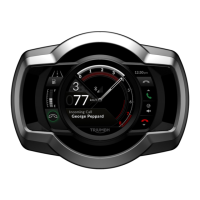
The instruments list the paired
devices.
3. To unpair one device, select the
device name.
The device is removed from the list.
4. To unpair all devices, select Unpair
All.
All devices are removed from the
list.
The Unpair Device option cannot be
selected if no devices are paired with
the motorcycle.
Note
Triumph recommends that you unpair all
devices before transferring ownership of
the motorcycle.


 To Next Page