General Information
48
Instantaneous Fuel Consumption
An indication of the fuel consumption at
an instant in time. If the motorcycle is
stationary, --.- will be visible in the
display area.
Odometer
Shows the total distance that the
motorcycle has travelled.
Front and Rear Tyre Pressures (If TPMS
is fitted, see page
84)
The front and rear tyre pressures are
displayed.
Dashes will be displayed in the tyre
pressure display until the motorcycle
reaches a speed of approximately
12 mph (20 km/h).
Settings Menu
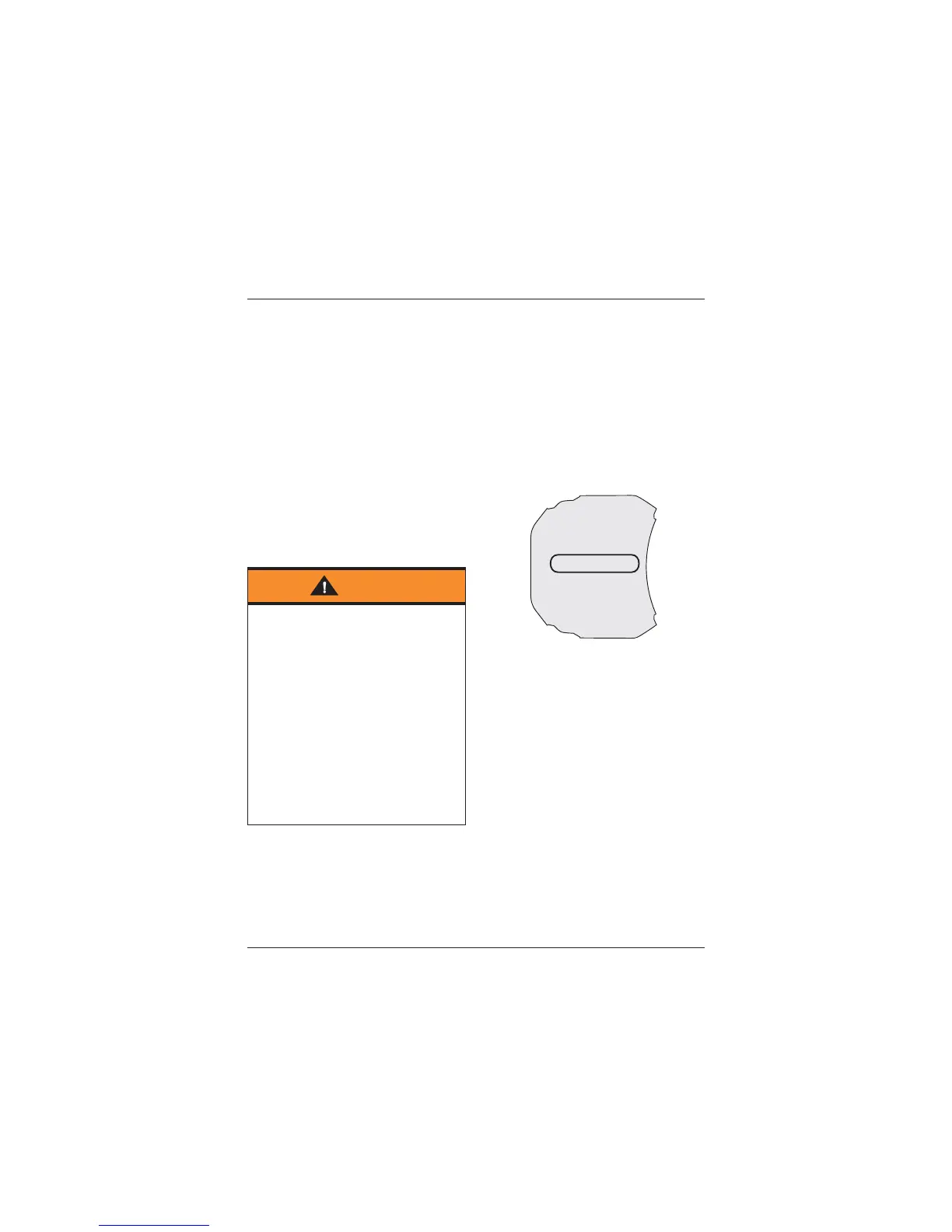
To access the settings menu; with the
motorcycle stationary, press and hold
the SELECT button on the left hand
switch housing until the settings menu
is displayed in the multifunction display
screen.
Press and release the SCROLL button
until the desired item is highlighted.
Press the SELECT button to enter the
item’s sub menu.
Settings Menu
The following menu items are available
for selection:
• EXIT
• SHOW WARNINGS (see page
49)
• RIDING MODES (see page
49)
• TRIP SETUP (see page
49)
• BIKE SETUP (see page
50)
• DISPLAY SETUP (see page
55).
Each menu item can be edited as follows:
Note:
• Selecting EXIT will return the display
to the home screen.
Warning
When the motorcycle is in motion, only
attempt to switch between the
information and trip meter display
modes or reset the trip meter under
the following conditions:
• At low speed
• In traffic-free areas
• On straight and level roads or
surfaces
• In good road and weather
conditions.
Failure to observe this important
warning could lead to loss of
motorcycle control and an accident.
SETTINGS
EXIT
SHOW WARNINGS
RIDING MODES
TRIP SETUP
BIKE SETUP
DISPLAY SETUP






 To Next Page