General Information
66
ABS
After entering the ABS screen, press the
SCROLL button to select the desired
option. Press the SELECT button to
confirm your selection and return to the
configuration menu.
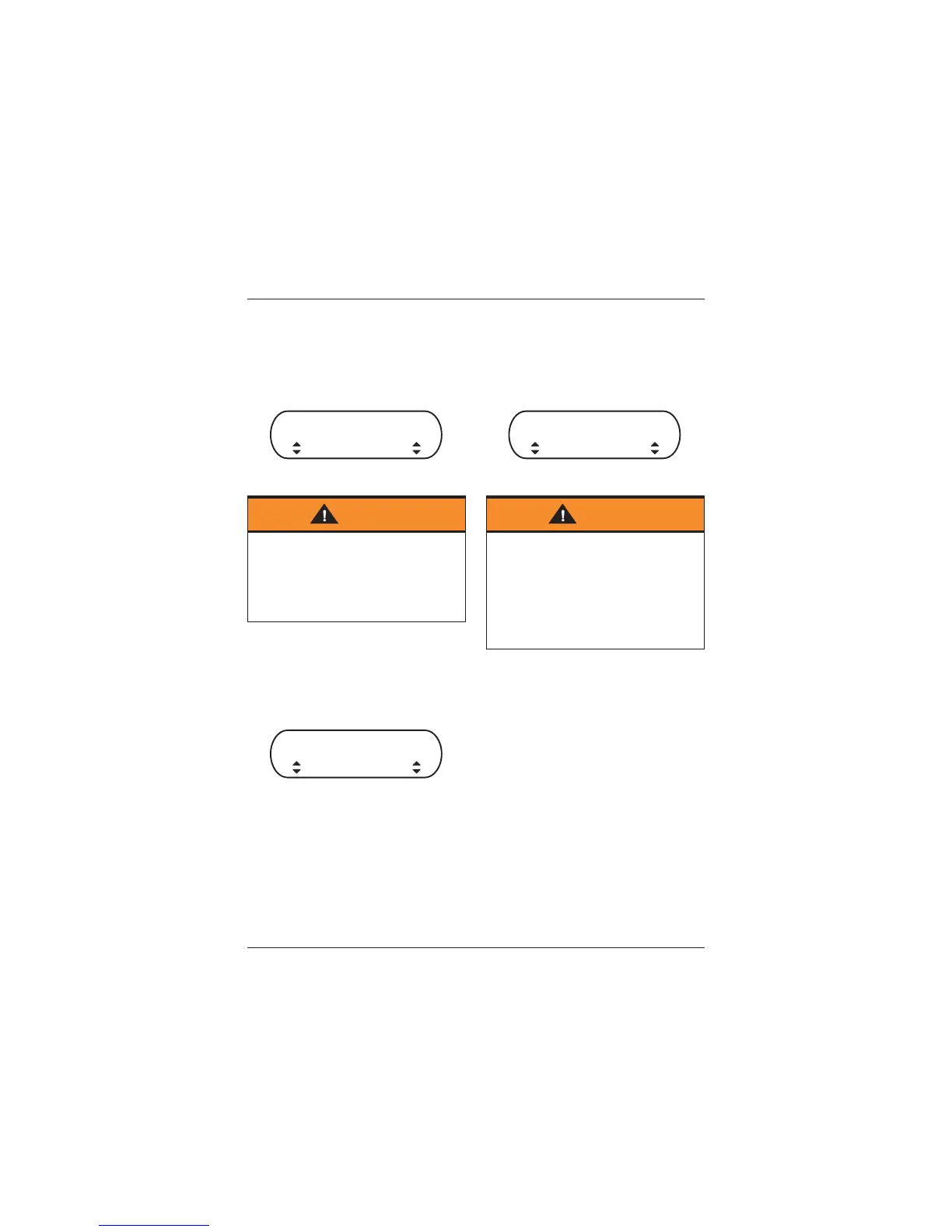
ABS Screen (Road Selected)
MAP
After entering the MAP screen, press
the SCROLL button to select the desired
option. Press the SELECT button to
confirm your selection and return to the
configuration menu.
MAP Screen (Sport Selected)
TC
After entering the TC screen, press the
SCROLL button to select the desired
option. Press the SELECT button to
confirm your selection and return to the
configuration menu.
TC Screen (Sport Selected)
Warning
If the ABS is disabled, the brake
system will function as a non-ABS
braking system. In this situation
braking too hard will cause the wheels
to lock, and may result in loss of
motorcycle control and an accident.
ABS
ROAD
MAP
SPORT
Warning
If the traction control is disabled, the
motorcycle will handle as normal but
without traction control. In this
situation accelerating too hard on
wet/slippery road surfaces may cause
the rear wheel to slip, and may result
in loss of motorcycle control and an
accident.
TC
SPORT










 To Next Page