General Information
38
Press and release the SCROLL button on
the left hand switch housing. The display
will scroll through the information menu
in the following order when pressing
down on the SCROLL button (it will scroll
through in the reverse order when
pressing up on the SCROLL button):
• Cruise set speed
•Range to empty
• Ambient air temperature
•Odometer
• Front tyre pressure (if TPMS is fitted
and activated, see page 67)
• Rear tyre pressure (if TPMS is fitted
and activated, see page 67)
• Instantaneous fuel consumption.
Each display provides the following
information:
Cruise Set Speed
If the cruise control is activated, this
display will show the road speed set for
cruise control. If the cruise control is not
activated, SEt--- will be visible in the
display area.
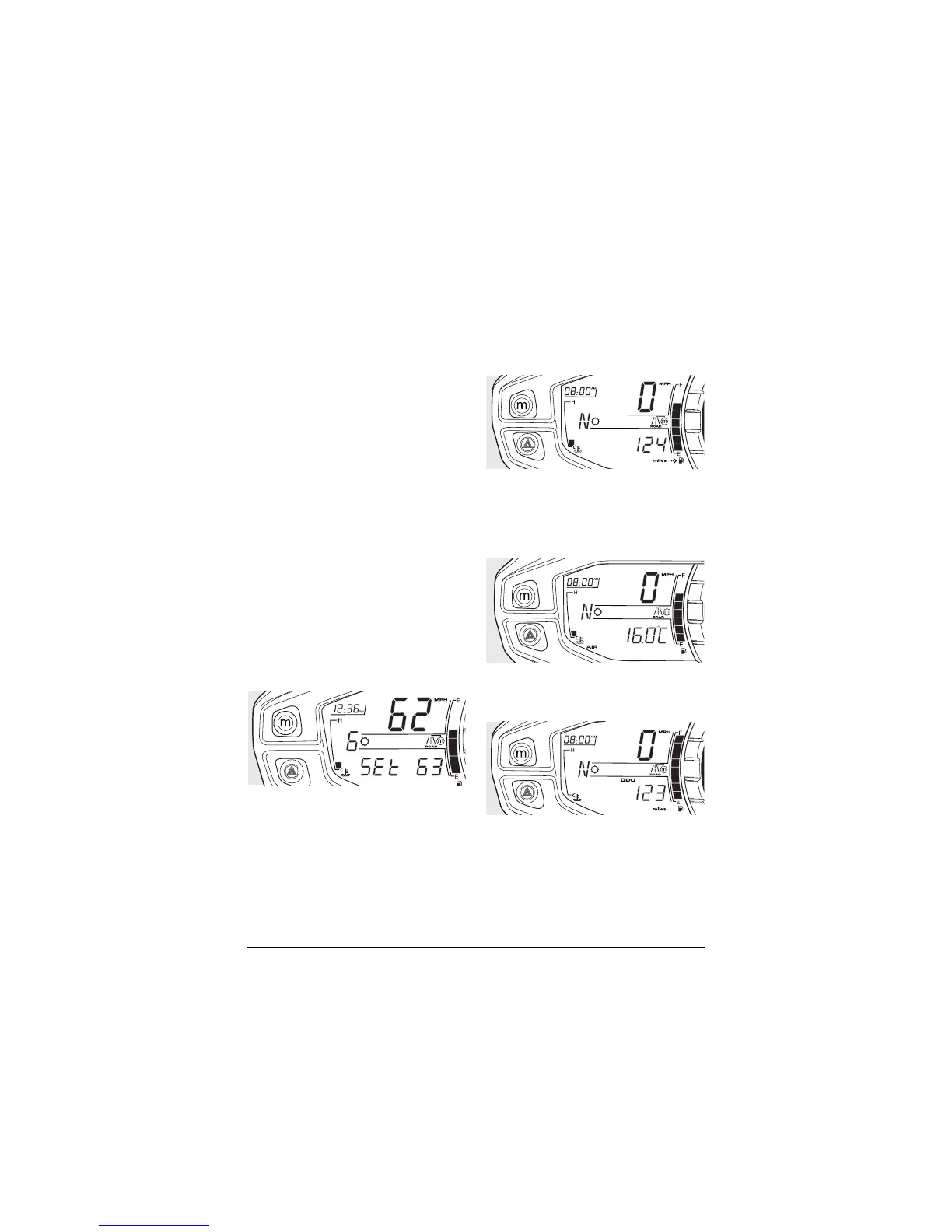
Range to Empty
This is an indication of the probable
distance that can be travelled on the
remaining fuel in the tank.
Ambient Air Temperature
The current ambient air temperature is
displayed in °C or °F.
To change the temperature from ºC
or ºF, see Changing Units on page 42.
Odometer
Shows the total distance that the
motorcycle has travelled.






 To Next Page