General Information
46
See page 50 for details on setting the
RIDER Mode options.
Riding Mode Selection
Riding modes may be selected when the
motorcycle is stationary or moving.
When the MODE button is pressed the
riding modes are displayed in the
following sequence:
•ROAD Mode
•OFF ROAD Mode
•RIDER Mode.
To allow the user to scroll between each
of the modes there is a one second
time-out to allow for further scrolling to
take place.
The selected mode is automatically
activated once the one second time-out
has elapsed, and the conditions for
switching modes have been met.
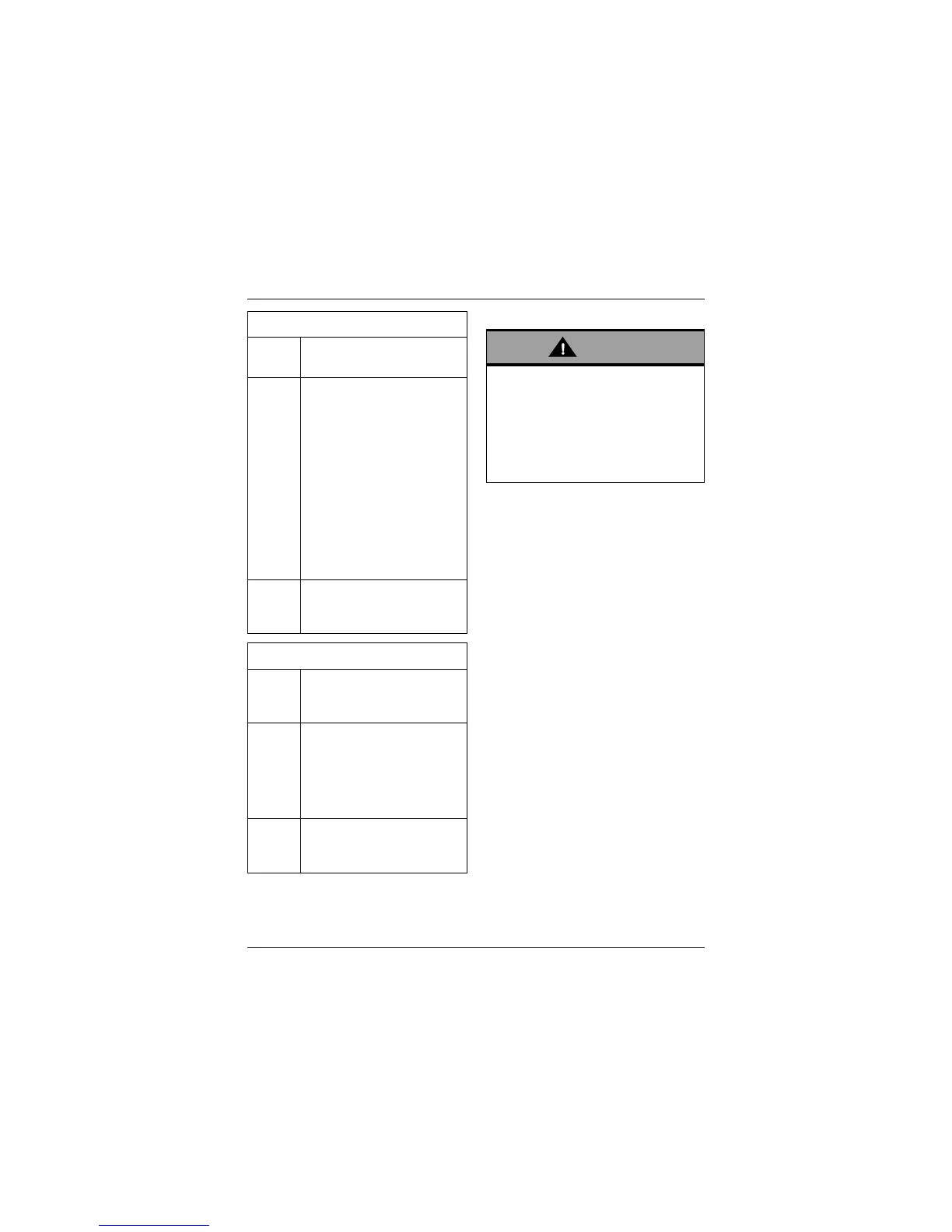
ABS Options
Road Optimal ABS setting for road
use.
Off
Road
Optimal ABS setting for
off-road use:
Front Wheel – The ABS
system allows increased
front wheel slip when
compared to the Road
setting.
Rear Wheel – The ABS
system is disabled for the
rear wheel, allowing it to lock
under heavy braking.
The ABS warning light will
flash slowly (see page 27).
Off ABS is turned off. The ABS
warning light will be
illuminated (see page 27).
TTC Options
Road Optimal TTC setting for road
use, allows minimal rear
wheel slip.
Off
Road
TTC is set up for off-road
use, allowing increased rear
wheel slip when compared to
the Road setting. The TTC
indicator light will flash
slowly (see page 28).
Off TTC is turned off. The TTC
disabled warning light will be
illuminated (see page 28).
After selecting a riding mode, operate
the motorcycle in an area free from
traffic to gain familiarity with the new
settings. Do not loan your motorcycle
to anyone as they may change the
riding mode settings from the one you
are familiar with, causing loss of
motorcycle control and an accident.






 To Next Page