General Information
51
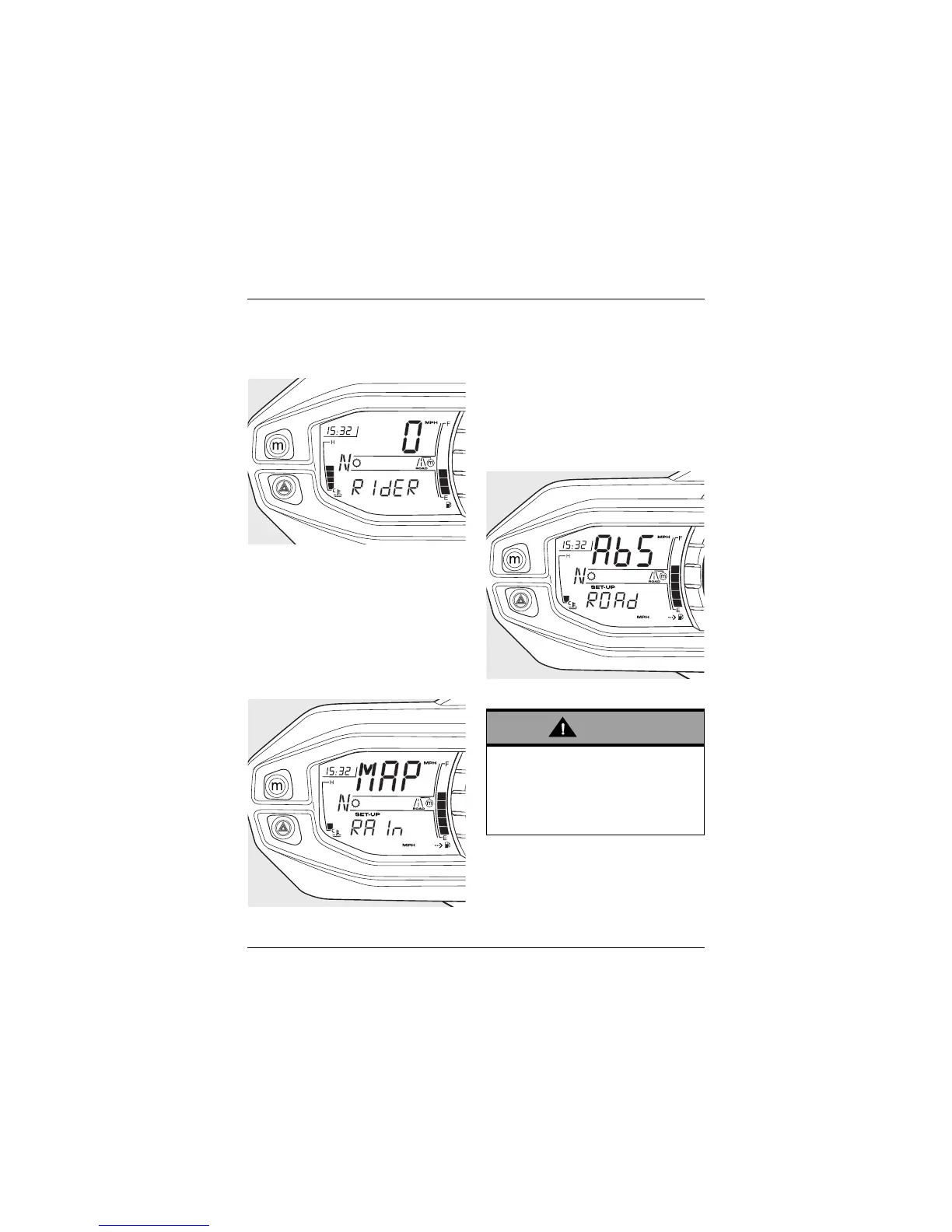
• Press and release the SCROLL
button until RidER is displayed in the
lower instrument display, then press
the SET button.
RidER Displayed
MAP Options
Press the SCROLL button and choose
one of the available MAP options:
•Rain
•Road
•Sport
•Off Road.
Rain Option Shown
Press the SET button to confirm your
selection.
ABS is now visible in the display screen.
ABS Options
Press the SCROLL button and choose
one of the available ABS options:
•Road
• Off Road
• Off.
Road Option Shown
Press the SET button to confirm your
selection.
TTC is now visible in the display screen.
If the ABS is disabled, the brake
system will function as a non-ABS
braking system. In this situation
braking too hard will cause the wheels
to lock, and may result in loss of
motorcycle control and an accident.






 To Next Page