INSTALLATION OVERVIEWWARRANTY MAINTENANCE
OPERATION
Insomecases,short-termflowsoflowultraviolettransmittance(UVT)watercanbecreatedfollowing1
andduringtheregenerationcycleofawatersoftener,resultinginasensoralarm.FlushingtheUVsystem
alleviatesthisconditionuntilthesoftenergoesthroughanotherregenerationcycle.Inthelongerterm,
thesoftener'ssettingsmustbemodified.ToflushtheUVsystem,unplugthesensor,thenopenatap
downstreamandletwaterrunfortwo(2)minutes.Disinfectthewaterlinesfollowingtheprocedures
outlinedunder"Disinfecting The Water Lines"intheInstallationsection.
ProandPlusSeriesareequippedwithaunique,patented,self-testsensor.Simplypressthetestbutton2
locatedatthetopofthesensorandholduntiltheaudiblealarmstops(usuallyabout5seconds).Ifthe
audiblealarmisstillpresentafter30seconds,releasethebuttonandreplacethesensor.
Referto3 Sleeve Cleaning And Lamp ReplacementsectionoftheOwner'sManual.
ContactTrojanoryourwatertreatmentdealerforatestoftheUVTofthewater.4
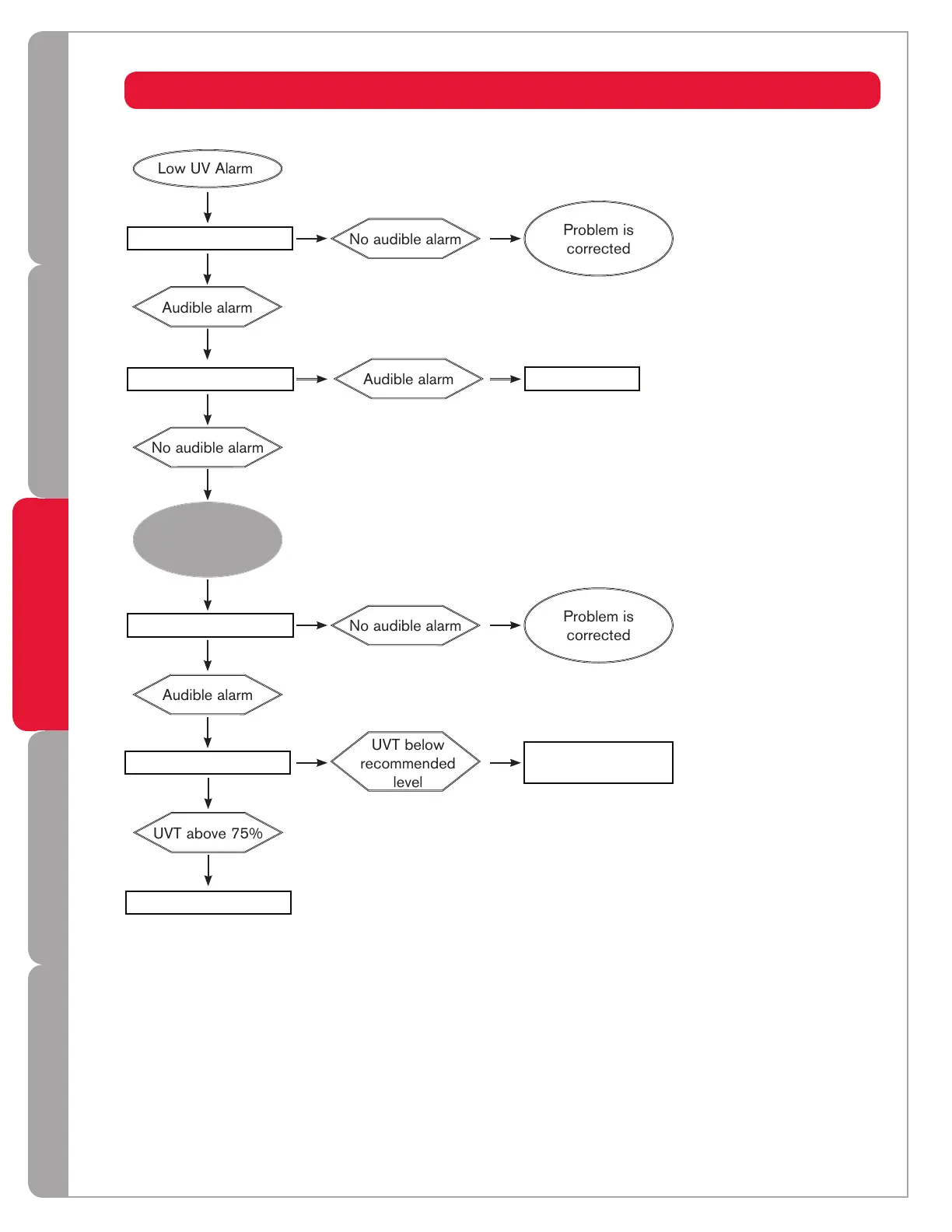
LOW UV ALARMS (Pro & Plus Series Only)
Sensortest
2
Cleansleeve&sensor
3
CheckUVT
4
ContactTrojan
UVT below
recommended
level
Replacesensor
IncreaseUVTusing
pretreatment
Sensoris
operating
normally
Flushsystem
1
16



 To Next Page