17
OPERATION INSTRUCTIONS
FUNCTION SPECIFICATIONS
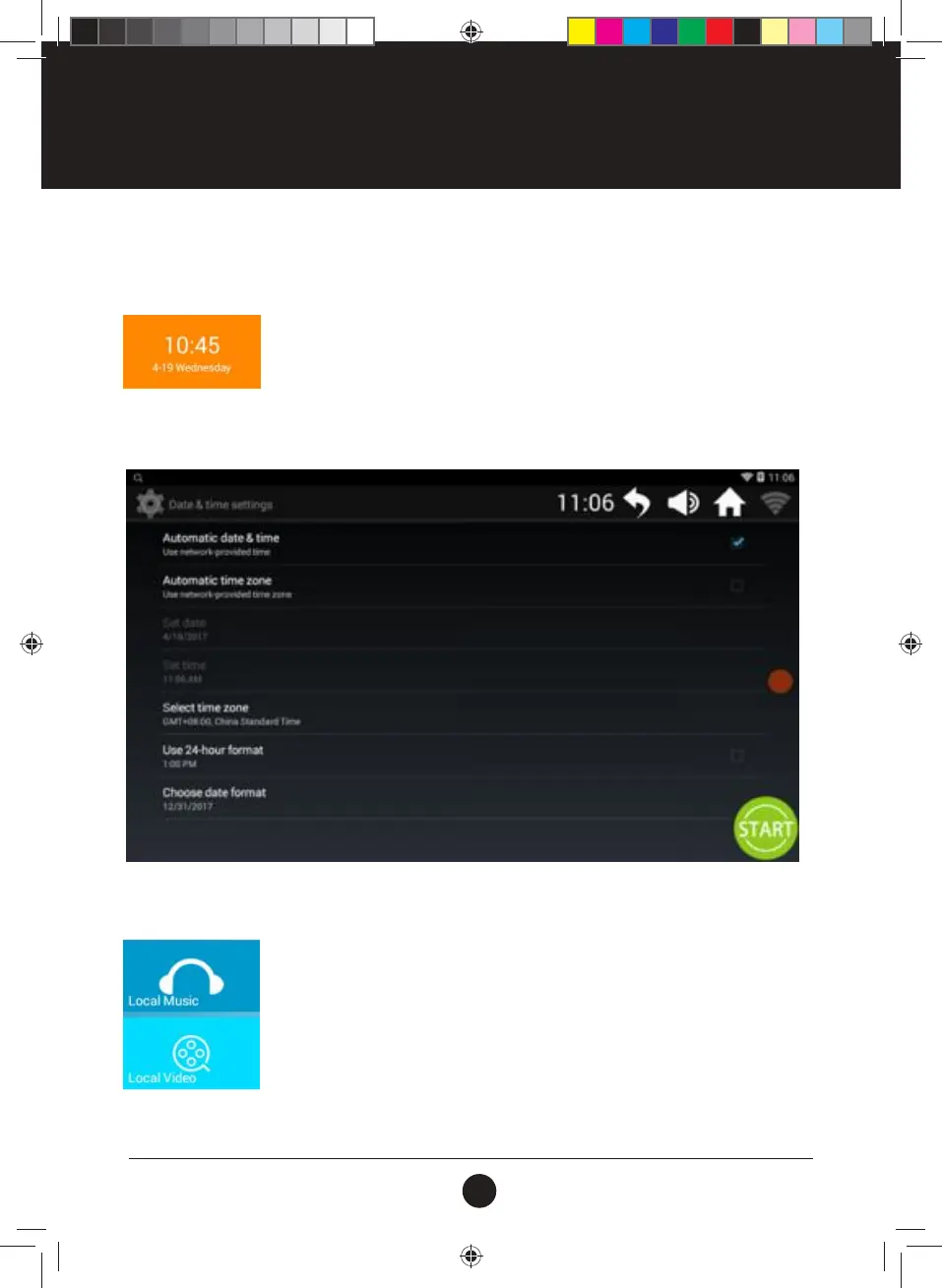
1. Date & Time
Manage the Current Date & Time.
•
Support manually correction of Current Date and Time;
•
Current Date and Time will auto update once there is an Internet connection.
Setting the Date & Time
Tap the icon to enter the Date and Time Settings:
2. Local Media (Local Music & Local Video)
Manage the Media les in Memory and USB.
•
Supports audio and video format les such as MP3, APE, MP4, and MOV
•
Tap the media le to play, no need to have Internet access;
•
During exercise, it is better to choose music which can adapt to your running
rhythm; music with sudden and large rhythm changes might have an adverse
effect on your running rhythm.
•
It is not recommend to watch videos while running, as you may get distracted and
cause injury.
•
To play media les from USB: Insert the USB into the USB socket and play through related operations.
#20M03T020 ELITE 2000 Treadmill UM.indd 17 2020/04/07 10:05 AM










 To Next Page