26 XD ONE USER MANUAL
1.
2. Release the function button on the front
of the XD One when all icons are
illuminated white.
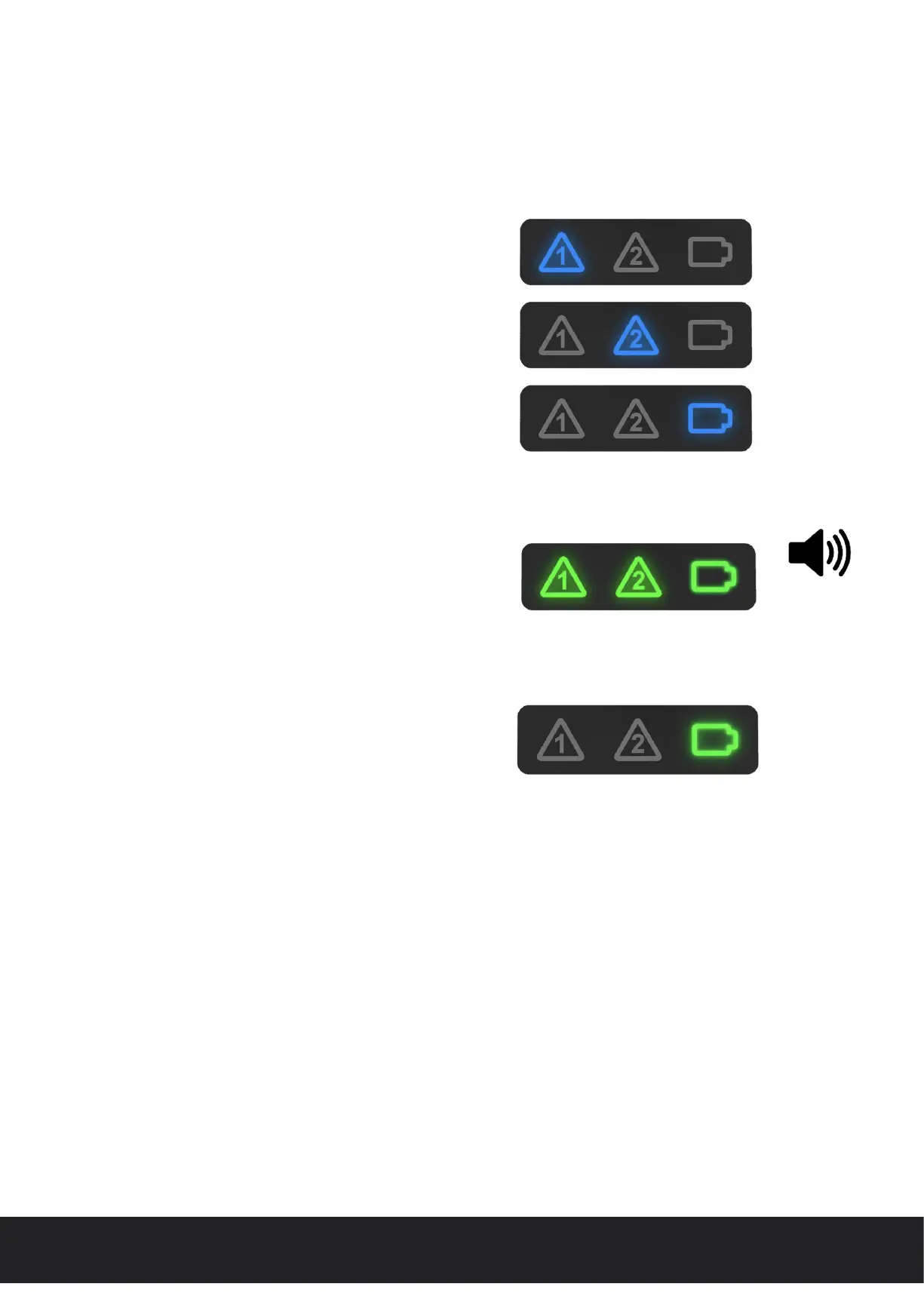
3. The XD One will perform a self test routine
to check the sensor element, electronic
circuitry and battery health.
4. Following the self-test routine the XD One
will display a “Pass”/“Fail” result via an audible
visual alarm.
5. The XD One will automatically begin to
sample particulate concentrations.
‘Sample’ routine
‘Self-test’ result
Start up ‘self-test’ routine
XD One_User manual_P5644.1601_Rev B


 To Next Page