XD ONE USER MANUAL38
Note: When the XD One is operated in ‘Live’ or ‘In-cab’ modes and consequently connected
via USB during operation, the sequence highlighted above does not apply. These modes are
designed to function during continued power of the XD One unit via a USB or 12 to 24 V vehicle
charger.
14.2 Trolex BreatheLITE software
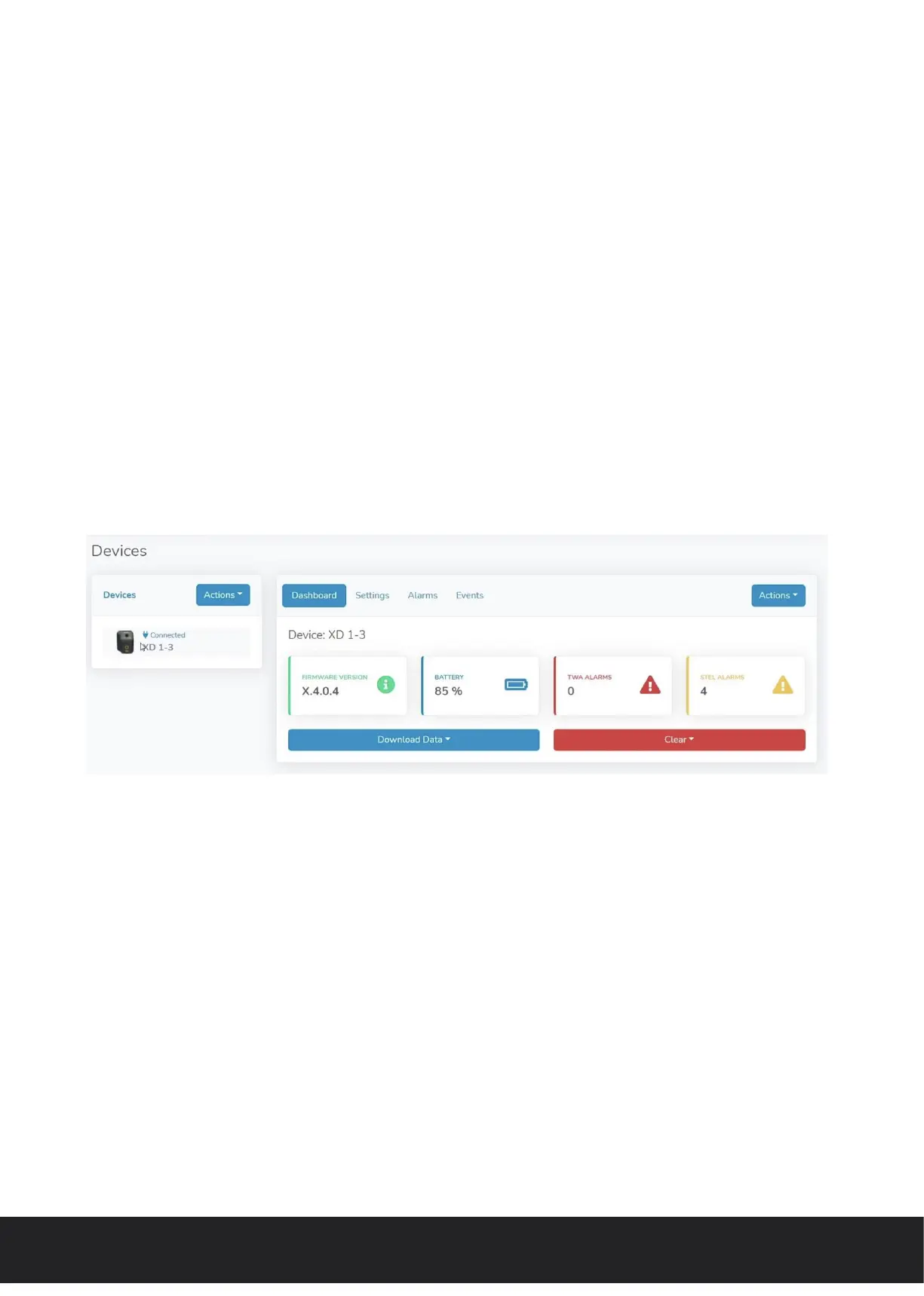
BreatheLITE serves as the dashboard interface for the XD One and allows users to connect
single and multiple devices.
Connecting the XD One to the Trolex BreatheLITE software allows for easy device navigation,
set-up and custom threshold setting as required. BreatheLITE is also used to store, view
and analyse collected data from a single location and is an essential tool to support the
maintenance of the XD One.
Application information, details and a help section is available on download of the software.
The Trolex BreatheLITE software can be downloaded by following the supporting information
at www.trolex.com.
The XD One can be connected to the BreatheLITE software where users can setup the
following parameters:
• Device name
• Com port
• Operating mode
• Alarm PM size
• TWA period (minutes/hours)
14.3 Configuration
• TWA threshold (µg/m³)
• STEL period (minutes/hours)
• STEL thershold (µg/m³)
• Log rate (seconds)
• Particle density (g/ml)
XD One_User manual_P5644.1601_Rev B


 To Next Page