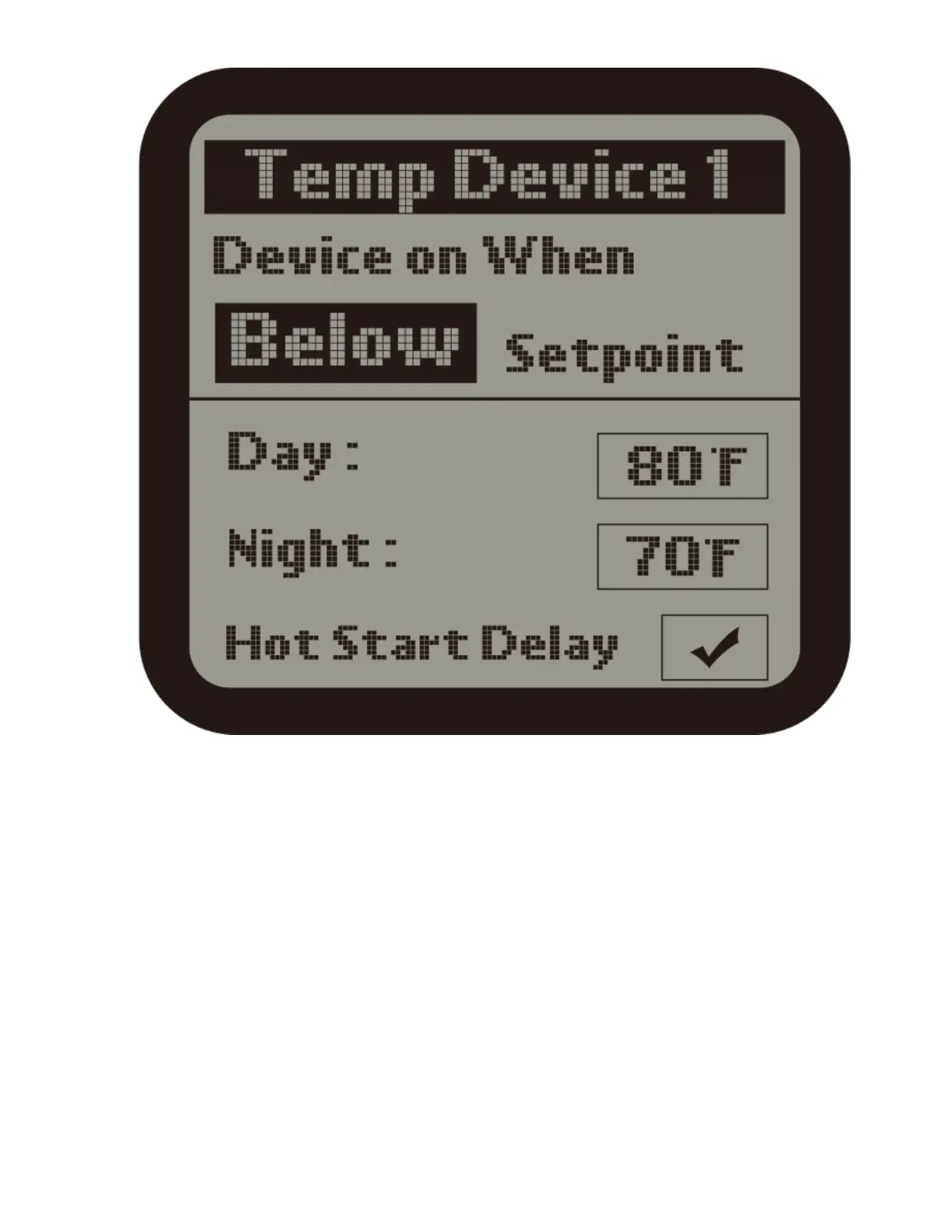
2 ) When the Device 1 is selected, user can set the temperatuesetpoint for Day /
Night mode for the Device 1. The unit will automatically turn ON the Temp
Device 1 when the measured temperature is ABOVE or BELOW the setpoint.
Press ENTER button and the Above or Below text will be flashing. Press UP or
DOWN button to change between Above and Below. Finally, press ENTER
button to confirm and save the change.
For example : Turn on device when temp Above setpoint for Cooling devices;
Turn on device when temp Below setpoint for Heating devices.
Use UP and DOWN button to select Day mode or Night mode, the selected item
will be highlighted. Press ENTER button and the current temperature value will



 To Next Page