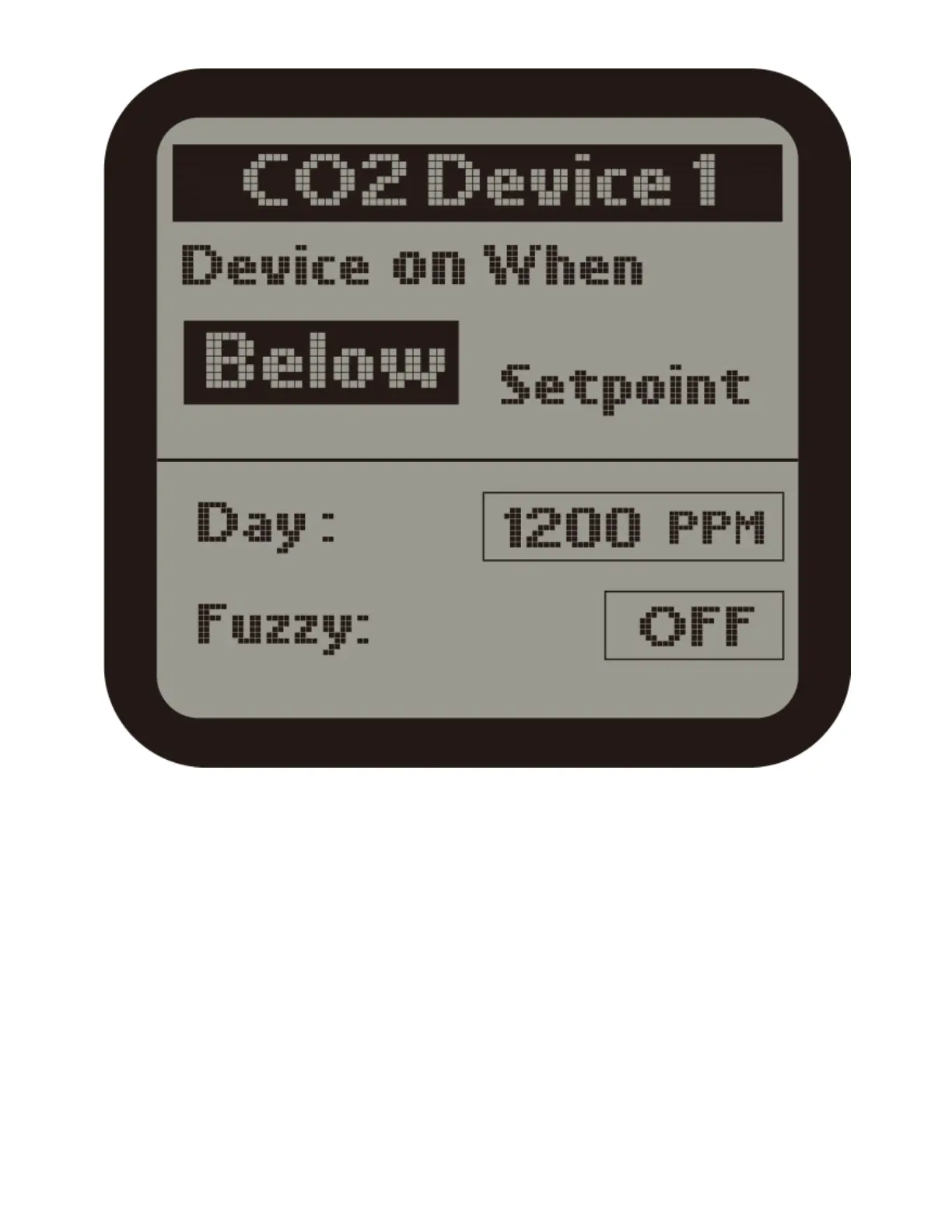
2 ). When the Device 1 is selected, user can set CO2 setpoint during Daytime
for the Device 1. The unit will automatically turn ON the CO2 Device 1 when the
measured CO2 level is ABOVE or BELOW the setpoint. Press ENTER button
and the Above or Below text will be flashing. Press UP or DOWN button to
change between Above and Below. Finally, press ENTER button to confirm and
save the change. The LCD screen will display "Setting saved"
For example : Turn on device when CO2 level Above setpoint for Exhaust fan;
Turn on device when CO2 level Below setpoint for CO2 Generator or Regulator.
User can set the setpoint for Day mode. Press DOWN button to select the CO2
value. Press ENTER button and the current CO2 value will be flashing. Press
UP or DOWN to change the CO2 setpoint with the increment of 10. Finally,



 To Next Page