EN 6
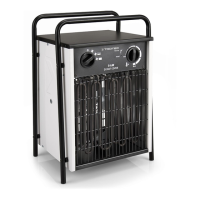
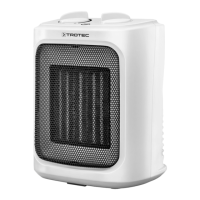
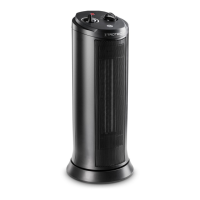
Operating manual – convector TCH 20 E / TCH 22 E
Operation
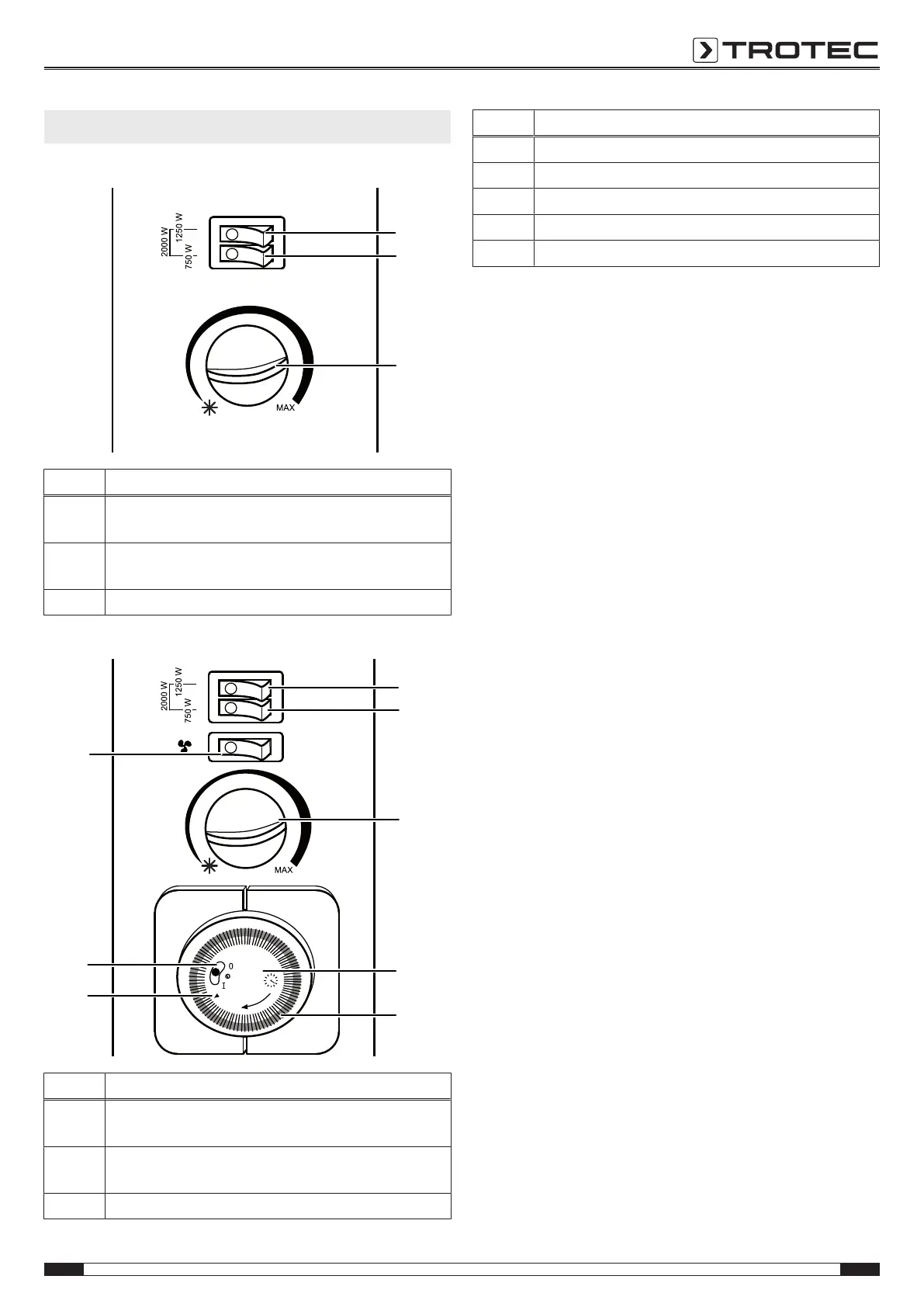
Operating elements TCH 20 E
No. Designation
6 flip switch heating levels 1250 W
(together with flip switch 7 = 2000W)
7 flip switch heating levels 750 W
(together with flip switch 6 = 2000W)
8 rotary switch room thermostat
Operating elements TCH 22 E
1
2
3
4
5
6
7
8
9
10
11
12
13
14
15
16
17
18
19
20
21
22
23
24
MIN
6
7
8
9
10
13
11
12
No. Designation
6 flip switch heating levels 1250 W
(together with flip switch 7 = 2000W)
7 flip switch heating levels 750 W
(together with flip switch 6 = 2000W)
8 rotary switch room thermostat
No. Designation
9 timer
10 timer segments
11 timer indicator
12 timer control
13 flip switch turbo blowers
Switching the device on
1. Plug the device into a sufficiently fused socket.
2. Set the flip switch (6, 7) to On to select the desired heating
capacity.
You can actuate one flip switch for a capacity of 750W (7)
or 1250W (6), or both flip switches for the maximum
capacity of 2000W.
ð The lamp at the respective flip switch lights up.
3. When using the optional timer:
Set the timer control (12) to I.
Setting the room thermostat
1. Select the desired temperature via the stepless rotary
switch (8) of the room thermostat.
ð If the room thermostat is switched on, the lamps of the
activated heating levels will light up.
The room thermostat controls the room temperature
automatically:
• When the set value is exceeded, the heating switches off.
• When the set value is fallen below, the heating
automatically switches back on.
Frost monitor function:
• Turn the thermostat to the * marking (snowflake). In this
position, the room thermostat switches on the heating
automatically if the room temperature drops below the
frost protection temperature.
Switching on the turbo blowers (TCH22E only)
1. Set the flip switch for the fan (13) to On.
ð The lamp at the flip switch lights up.
ð The fan starts running if the room thermostat is
switched on.
ð To distribute warm air, switch on the desired heating
level.
ð At high room temperatures you can use the device to
distribute cold air. To do so, switch off the heating
levels.


 To Next Page