EN 13
dehumidifier TTK 65 E
Activities required before starting maintenance
Warning of electrical voltage
Do not touch the mains plug with wet or damp hands.
• Switch the device off.
• Hold onto the mains plug while pulling the power cable out
of the mains socket.
Warning of electrical voltage
Tasks which require the housing to be opened
must only be carried out by authorised specialist
companies or by Trotec.
Cleaning the housing
Clean the housing with a soft, damp and lint-free cloth. Ensure
that no moisture enters the housing. Protect electrical
components from moisture. Do not use any aggressive cleaning
agents such as cleaning sprays, solvents, alcohol-based or
abrasive cleaners to dampen the cloth.
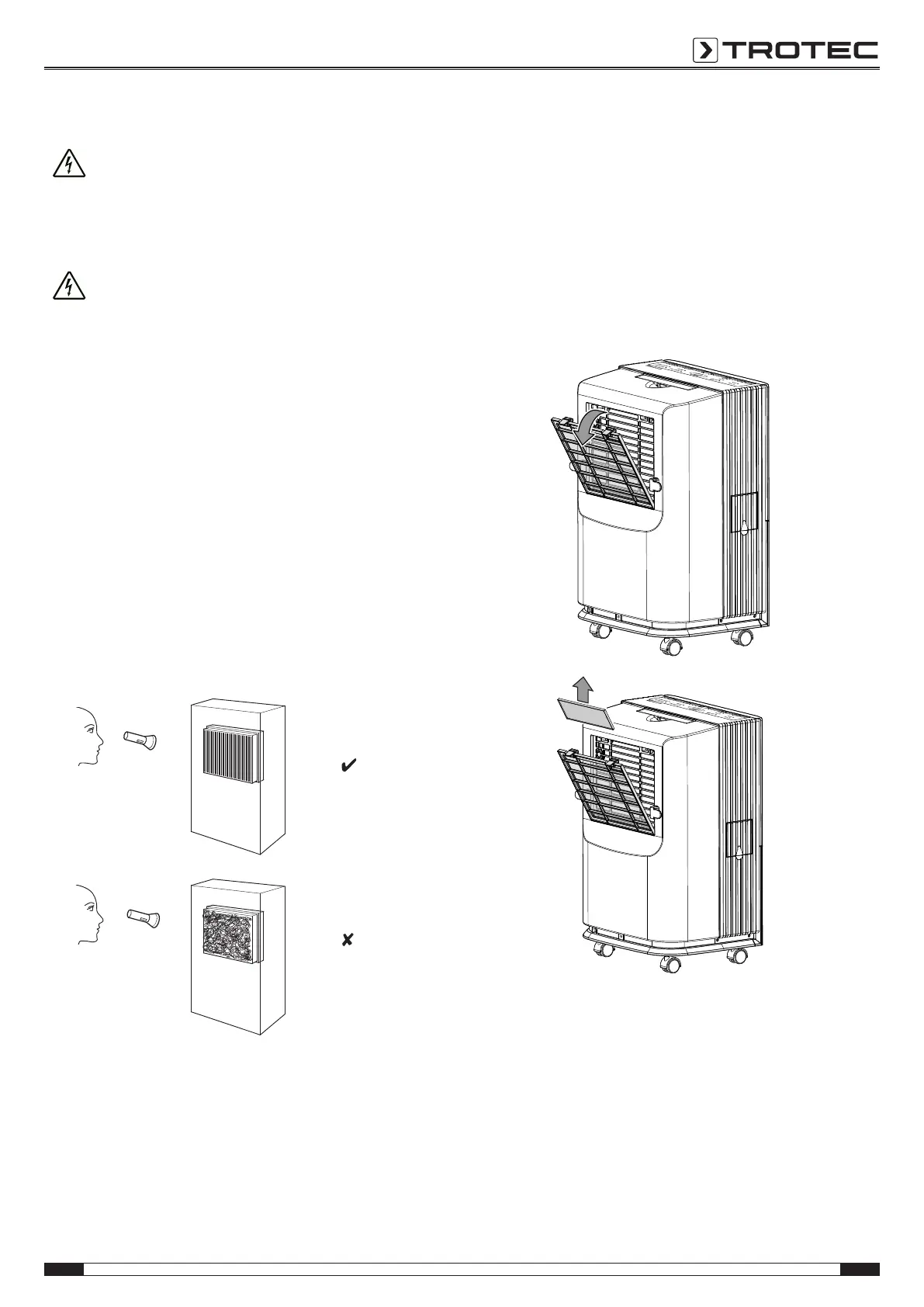
Visual inspection of the inside of the device for dirt
1. Remove the air filter.
2. Use a torch to illuminate the openings of the device.
3. Check the inside of the device for dirt.
4. If you see a thick layer of dust, have the inside of the
device cleaned by a specialist company for cooling and
air-conditioning or by Trotec.
5. Put the air filter back in.
Refrigerant circuit
• The entire refrigerant circuit is a maintenance-free,
hermetically sealed system and may only be maintained or
repaired by specialist companies for cooling and air-
conditioning or by Trotec.
Cleaning the air filter
Note
Ensure that the air filter is not worn or damaged. The
corners and edges of the air filter must not be
deformed or rounded. Before reinserting the air filter,
make sure that it is undamaged and dry!
The air filter must be cleaned when dirt is visible or the
FILTER RESET LED(14) lights up.
1. Remove both the air filter and the additional filter located
behind it from the device.



 To Next Page