CHAPTER 2: PRODUCT OVERVIEW
Truetness.com / 800.426.6570 / 636.272.7100 10 of 29
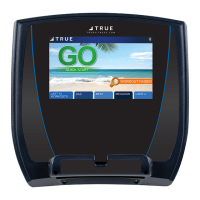
T9 TOUCHSCREEN CONSOLE OVERVIEW:
Touchscreen Display:
A capacitive touchscreen used for workout control and feature navigation.
Reading Rack:
is ledge on the console can be used to hold a book, magazine, e-reader, or tablet computer during a workout.
TOUCHSCREEN INTRODUCTION:
e T9 touchscreen console utilizes a fully integrated capacitive touch screen display and a multi-screen interface to
provide a state of the art and user friendly workout.
Capacitive touchscreen technology relies on the conductive properties of the human body to detect when and where on
the display the user is touching. Because of this, capacitive touchscreens are highly responsive and do not require pressure
to register a touch.
TOUCHSCREEN NAVIGATION:
TRUE recommends that users familiarize themselves with the dierent screens to ensure that they are safely taking
advantage of all of the features that this equipment has to oer.
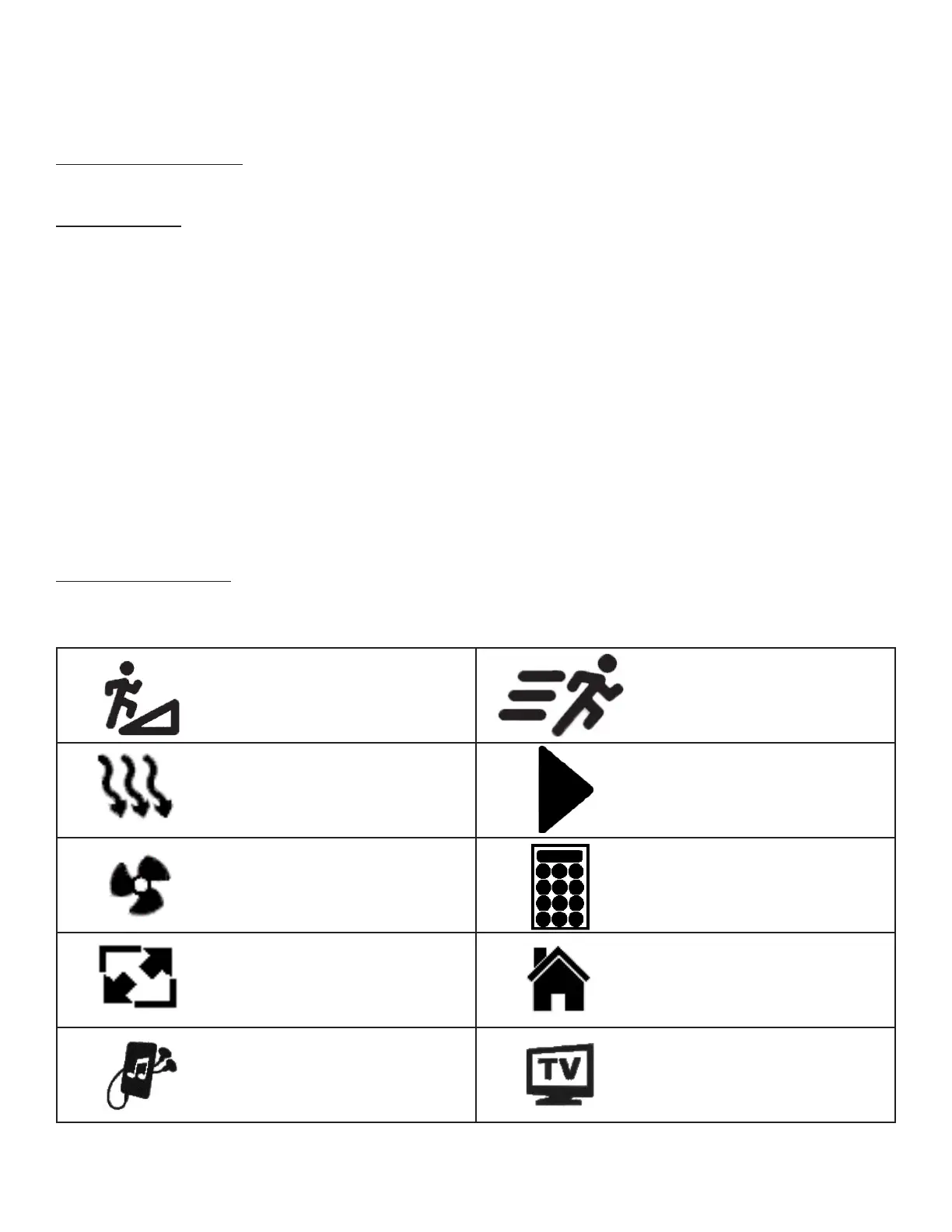
Icon Character Map
is console uses several icons to provide users with a simplied and visually appealing workout experience. e character
map below is a quick reference of commonly used icons:
Incline Speed
Cool Down Toolbox
Fan Icon Keypad
Screen Toggle Home
Audio Device TV


 To Next Page