11
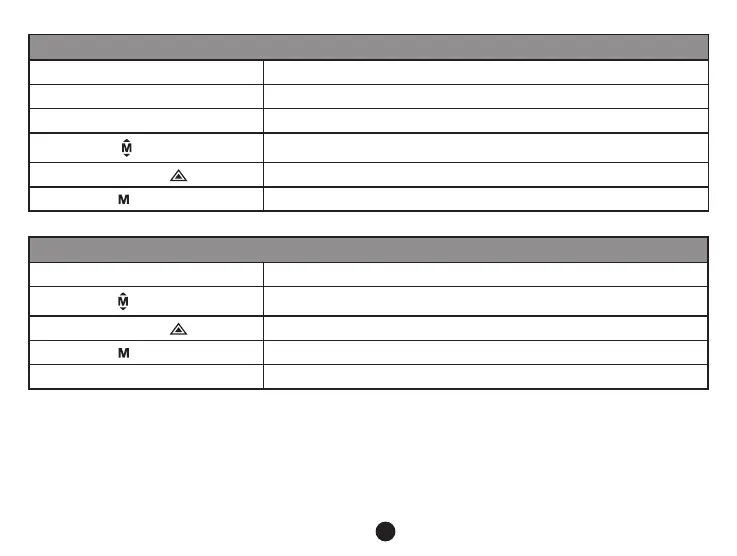
Preview in six image grid
Up button
Down button
OK button
Menu button
Enter menu list
File protection button
Mode button
Change mode
Play
OK button Play / Pause
Menu button
Delete menu
File protection button
Mode button
Back to six image grid preview
Photo button Take snapshot of current video
j) Other functions
GPS coordinates view - allows to display GPS position within the video. Location is display in the form of
coordinates.
Current speed view - allows to display current speed within the video, usable for future reference.
LED illumination - can be set to automatic or continuous. LED illumination is primarily used for situations such as
monitoring of an accident in the dark, where the device can be used as a still camera.



 To Next Page