12
Video lock
lock the videos either in the recording mode or in the playback mode.
Menu setting
The device has two modes, the video mode and the playback mode.
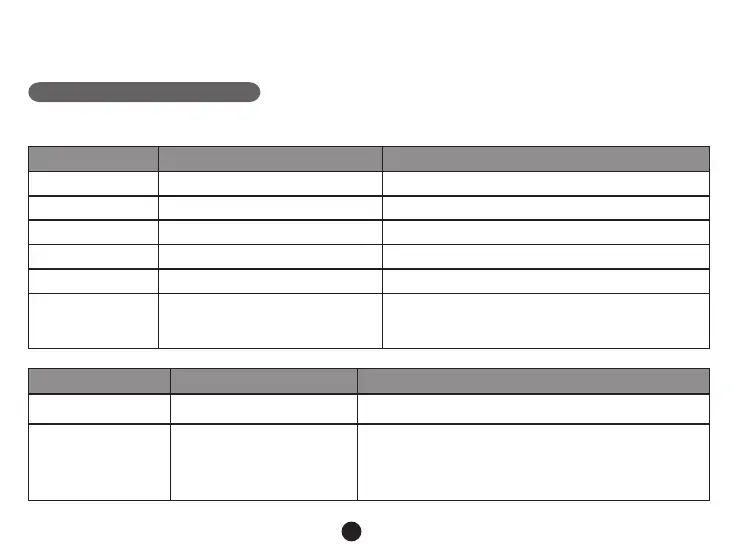
a) In video mode:
Video Menu item Remark
Video resolution 1080P / 720P Set video resolution.
Photo size 0.9M / 2M / 3M / 3.7M Set photo resolution.
Loop setting Off / 1 min / 3 min / 5 min / 10 min Set loop recording time.
Record audio Off / On Set record audio or not.
Motion detection Off / Low / Middle / High Set motion detection or not.
Off / On
If this feature is on, the menu will turn upside down
whenever the camera is turned. The device can also
Effect Menu item Remark
Flicker 50HZ / 60HZ
Auto exposure
Auto / Landscape / Portrait
/ Sports / Night scene
These settings can be adjusted for the shooting to be
more conformed to the surroundings and to achieve
optimal shotting results. Select [AUTO] to let the device
choose the value automatically.



 To Next Page