14
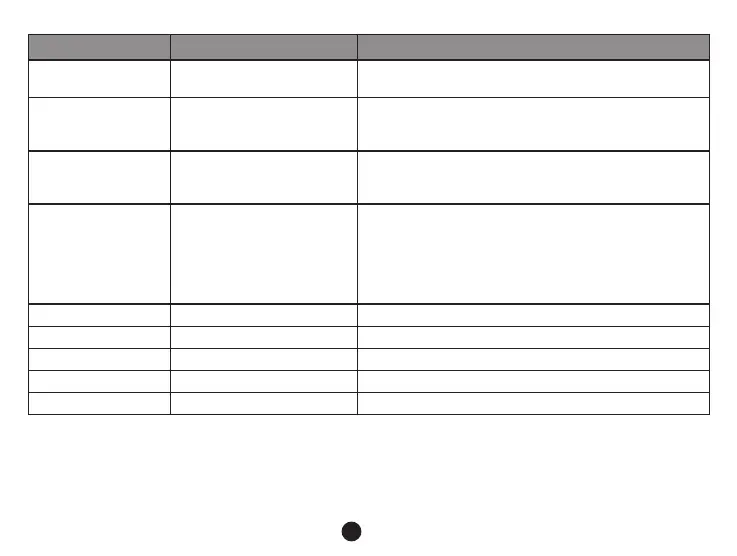
Setup Menu item Remark
Power off delay Off / 10 s / 20 s / 30 s
If this function is set, the camera will turn off after the
selected time period.
Auto power off Off / 1 min / 3 min / 5 min
When this setting is activated, the camera will turn off
after the selected amount of time whenever it is in a
standby mode.
Power off screen Off / 30 s / 1 min / 3 min
The screen is turned off and the camera enters a sleep
mode after the selected amount of time, when this
feature is activated.
Time setup
Setting time and time zone.
Note: please set your local time zone according to
The GPS may not work properly in case of incorrect
settings.
Time stamp On / Off To set the time stamp on video.
Velocity stamp On / Off To set the speed stamp on video.
GPS stamp On / Off To set the GPS stamp on video.
Driver num stamp On / Off To set the car plate number on video.
Driver number - - - - - - - - - To set the car plate number.



 To Next Page