Need help?
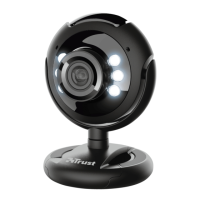
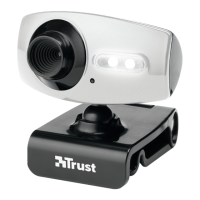
Do you have a question about the Trust Webcam and is the answer not in the manual?
Options for installing the driver, including from a website or CD.
Steps and options for installing webcam companion software.
Overview of the webcam software interface and its main functions.
Details on capturing images and video using the webcam software.
Identification of key product components like lens ring and USB cable.
Detailed instructions for PC and CD installation of the webcam.
Information on using messenger services, webcam applications, and driver updates.
Advice on optimal webcam usage, including lighting and cleaning.
Essential safety information regarding device handling and environment.
Details on product warranty coverage and copyright restrictions.

 To Next Page
 General