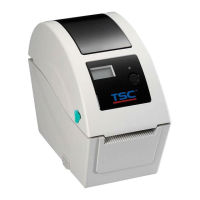
3.6 Replacing the Print Mechanism
1. Refer to section 3.2 to section 3.5 to remove key control board, Bluetooth control board (option), the media holder assembly,
and main board assembly.
2. Use the long-nose pliers to remove two spring torsions on each side.
3. Take the gear holder and the gear, and push the print head holder on each side to remove the print head assembly.
4. Reassemble the parts in the reverse procedures.


 To Next Page
 Loading...