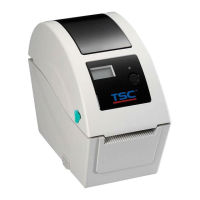
3.10 Replacing the Open Sensor
1. Please refer to section 3.1 take the printer top cover off and replace a new one with platen roller.
(If the media cover is already the new one, it doesn’t need to replace the open sensor)
2. Remove the screw on the open sensor.
3. Unplug the old open sensor connector.
4. Then, insert the new open sensor connector.


 To Next Page
 Loading...