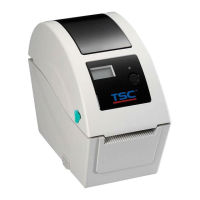
5. Install the elastic panel on the open sensor.
6. Place the open sensor on the side of media cover switch.
Note: the direction of elastic panel must be the same as illustrated
7. Lock the screw on the side of media cover switch.
8. Fix the wire on the slot.
9. Reassemble the parts in the reverse procedures.


 To Next Page
 Loading...