ENGLISH
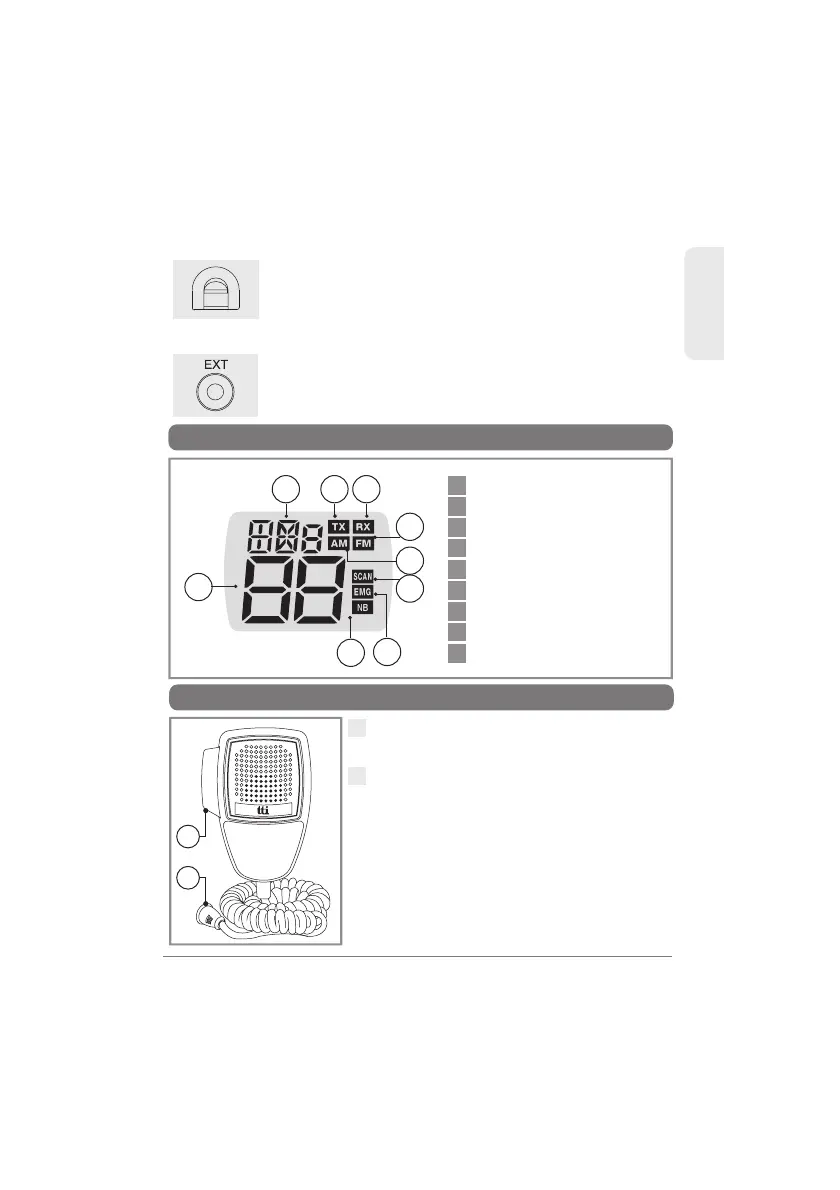
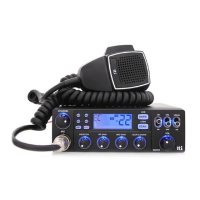
5. LCD Display
1
1
2
3
4
5
6
7
8
9
Channel Display
Transmit
Receive
FM Mode
AM Mode
Selected Frequency Band
Scan
Noise Blanker
EmergencyChannel Display
9
TCB-560
6. Microphone
1
2
1
2
PTT Button : While pressing this button,
you can transmit.
4 Pin Microphone Connector : Connect
this to the microphone jack on the front
panel of the transceiver.
2 3 4
6
7
8
9
5
10) Power 12/24 DC
11) EXT-SPK Jack
Connecting a loud speaker to this port makes the
built-in speaker turned off.
Connect the power supply cable to this port.
Note: This transceiver works most preperly at 13.2V DC
input. And one high voltage protection circuit installed
to protect this transceiver from 24V DC Connection.



 To Next Page