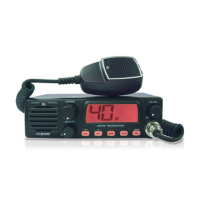
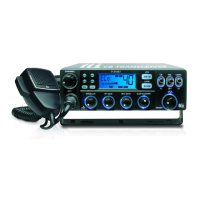
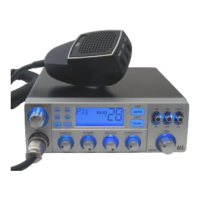
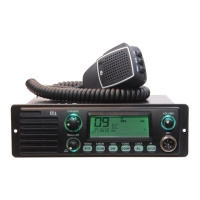
4. Transceiver Controls and Functions
9
1110
3
8765
2 4
1
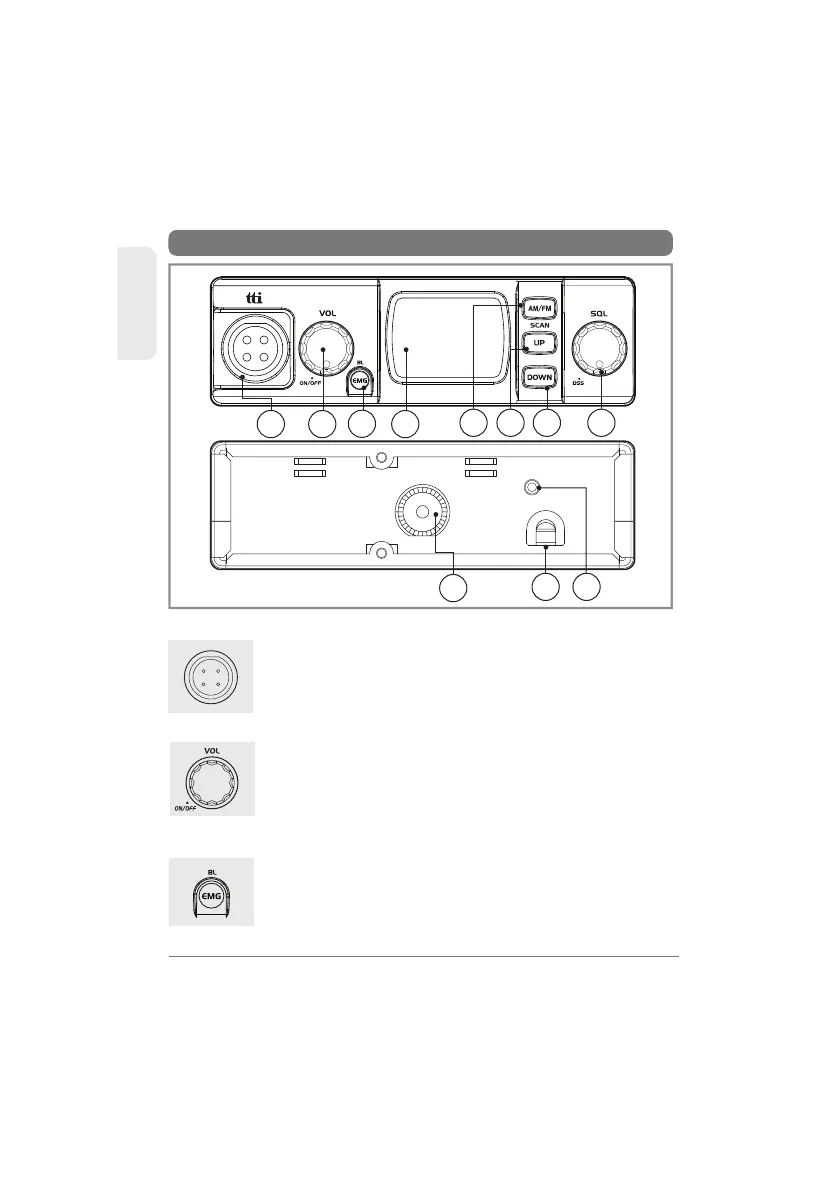
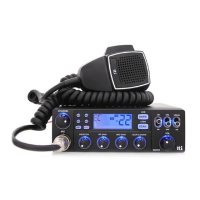
1) Microphone Jack
Insert the microphone into this jack. Use the guide for
easy connection.
ENGLISH
6
TCB-560
2) Volume and Power On/Off Knob
To switch on the transceiver turn this knob clockwise.
After clicking sound the transceiver is switched on. The
more you turn this knob clockwise, the bigger the
audio sound grows.
ANTENNA
EXT
DC
13.2V
3) Emergency / Backlighting Button
Emergency Pressing this button momentarily once will
lead you to the emergency channel, "CH 9"("CH 19" in
some bands) and the EMG icon will be displayed. Pressing
this button twice will lead you to the calling channel
“CH19”(“CH9”in some bands) will be displayed.



 To Next Page