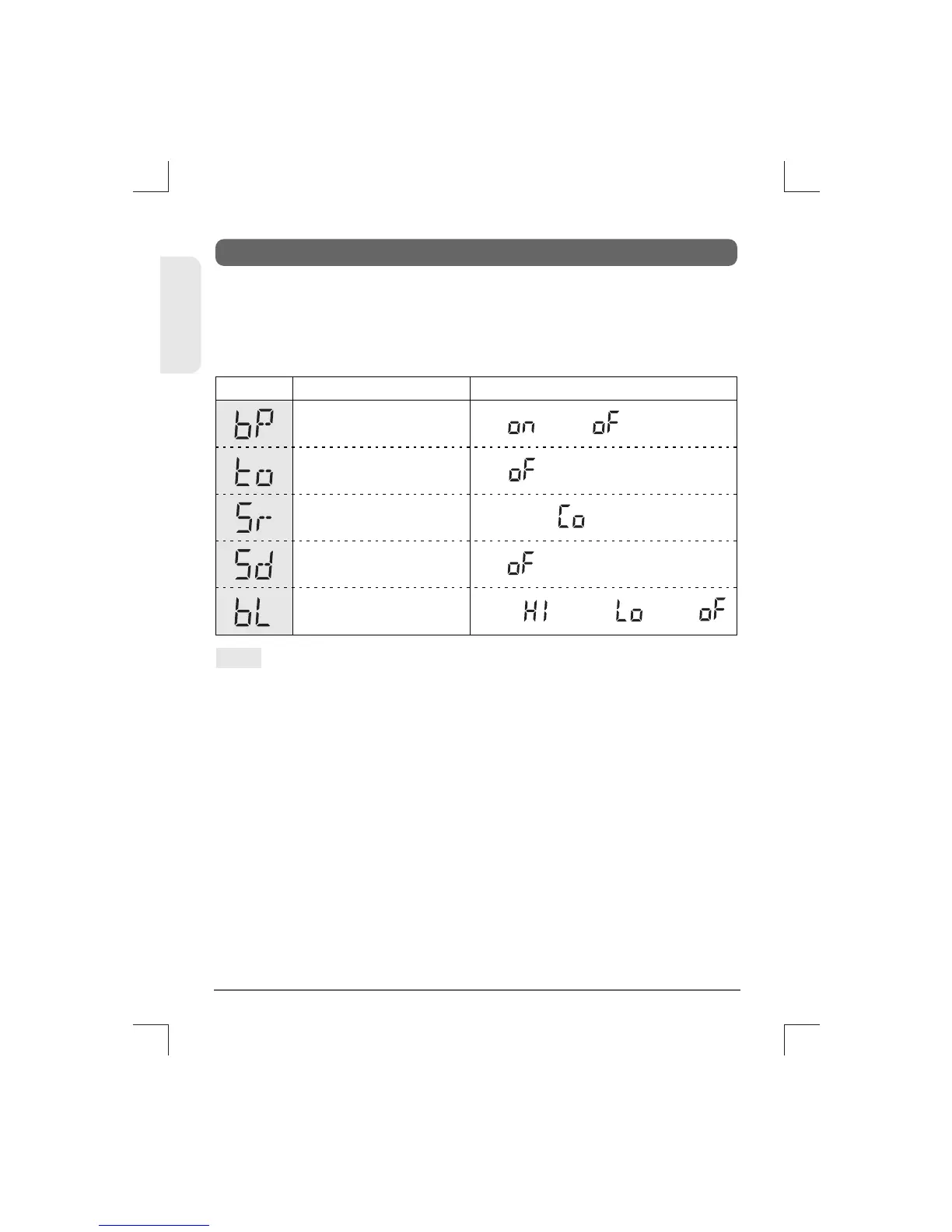
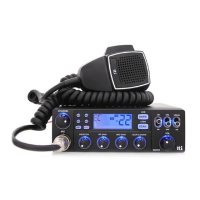
7. Menu Setting Mode
On( ) / Off( )
High( ) / Low( ) / Off( )
Off( ) and 1~99 Sec.
Continue( ) and 1-99 Sec.
Off( ) and 1~99 Sec.
Beep Tone
Backlight Dimmer
Scan Delay Timer
(after Receiving signal)
Scan Receive Timer
Time-out Timer
Display SettingsFunctions
Pressing the Lock button of the microphone, turn on the
transceiver. The transceiver goes to the Menu Setting Mode,
which has the following menu features. This menu setting
mode allows you to program user preferences, activate
features and use advanced functions.
10
TCB-660
ENGLISH
Note :
1.
2.
3.
4.
5.
Use Channel Selector to selecte the main menu features
such as Beep Tone, Time-out Timer, Scan Receive Timer,
Scan Delay Timer, Backlight Dimmer and Backlight Timer.
Use AM/FM button to enter value setting level.
Use Channel Selector to select or change any value that you
like to have while the values are blinking.
Use SCAN button to return to the previous main menu
features.
Press Lock button or PTT button of the Microphone to
complete the selections and changes and return to the
stand-by mode. Or the selections and changes will be
automatically confirmed after 5 seconds of the selections
and changes. Using Scan button to return to the previous
main menu features will be accompanied by the automatic
confirmation of the selected values and changes.


 To Next Page