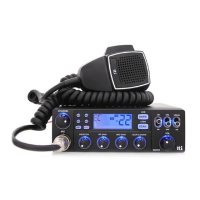
8) Squelch Control knob
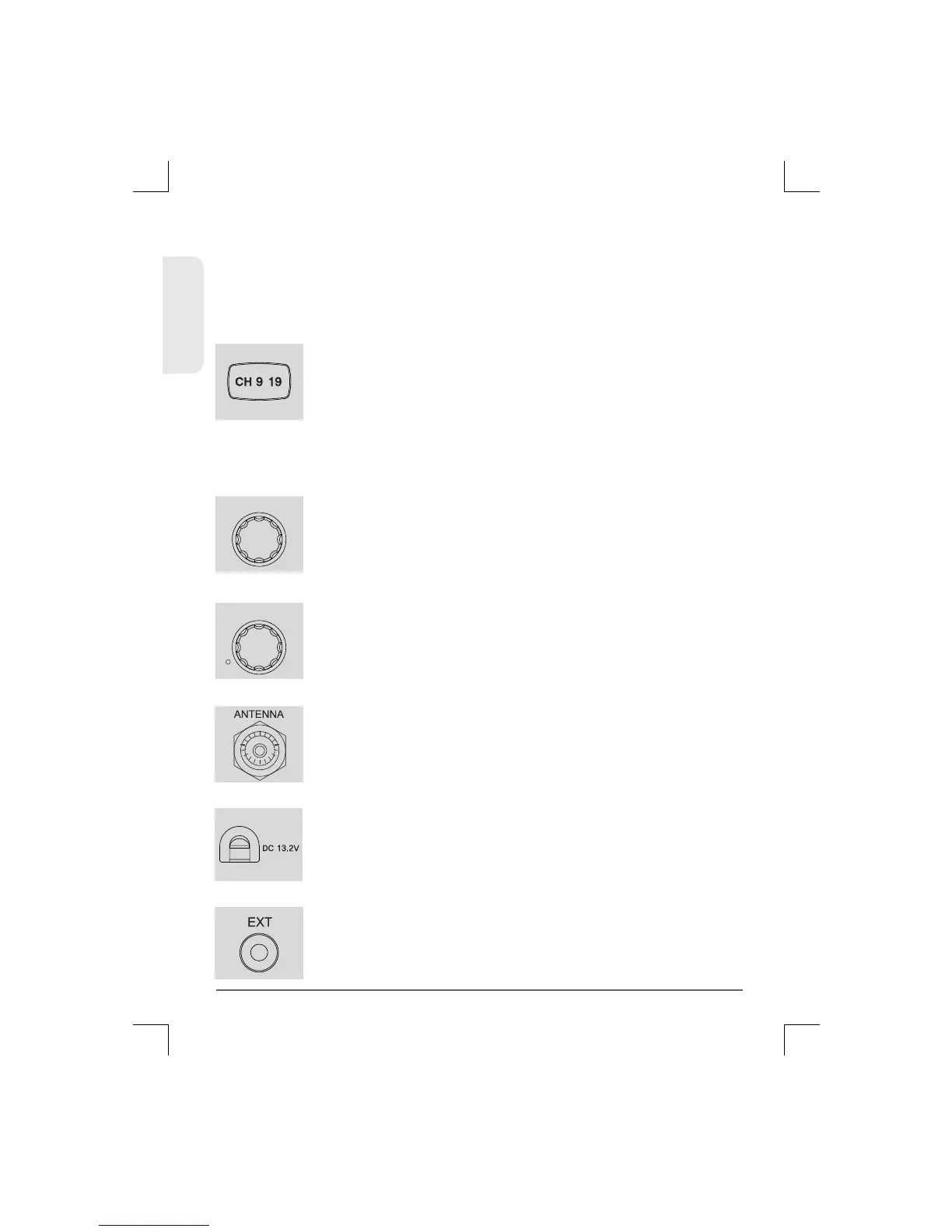
7) Emergency and Calling Button
9) Volume and Power On/Off Knob
Turn this knob counter-clockwise until you hear the
background noise and then turn the knob a little
clockwise until the noise disappears. In this way,
you get the best receive sensitivity.
To switch on the transceiver turn this knob
clockwise. After clicking sound the transceiver is
switched on. The more you turn this knob
clockwise, the bigger the audio sound grows.
ENGLISH
8
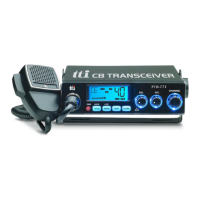
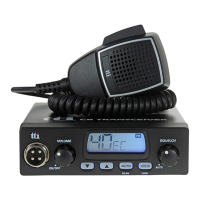
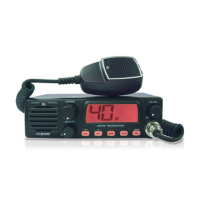
TCB-660
SQUELCH
VOLUME
ON/OFF
/
Pressing this button once will lead you to the
emergency channel, "CH 9"("CH 19" in some
bands) and the EMG icon will be displayed.
Pressing this button twice will lead you to the calling
channel, "CH 19" ("CH 9" in some bands) will be
10) Antenna Connector
11) Power 13.2 DC
Connect the power supply cable to this port.
12) EXT-SPK Jack
Insert the mail connector of the antenna cable into
this female antenna connector.
Connecting a loud speaker to this port makes the
built-in speaker turned off.
Lock : Press this button for more than 2 seconds to activate
and deactivate the keypad lock function. This function locks
only the channel selector, quick up/quick down buttons, scan
button. Other buttons and selectors work normal.
displayed. To return to the previous operation mode,
momentarily press the emergency button again.


 To Next Page