4
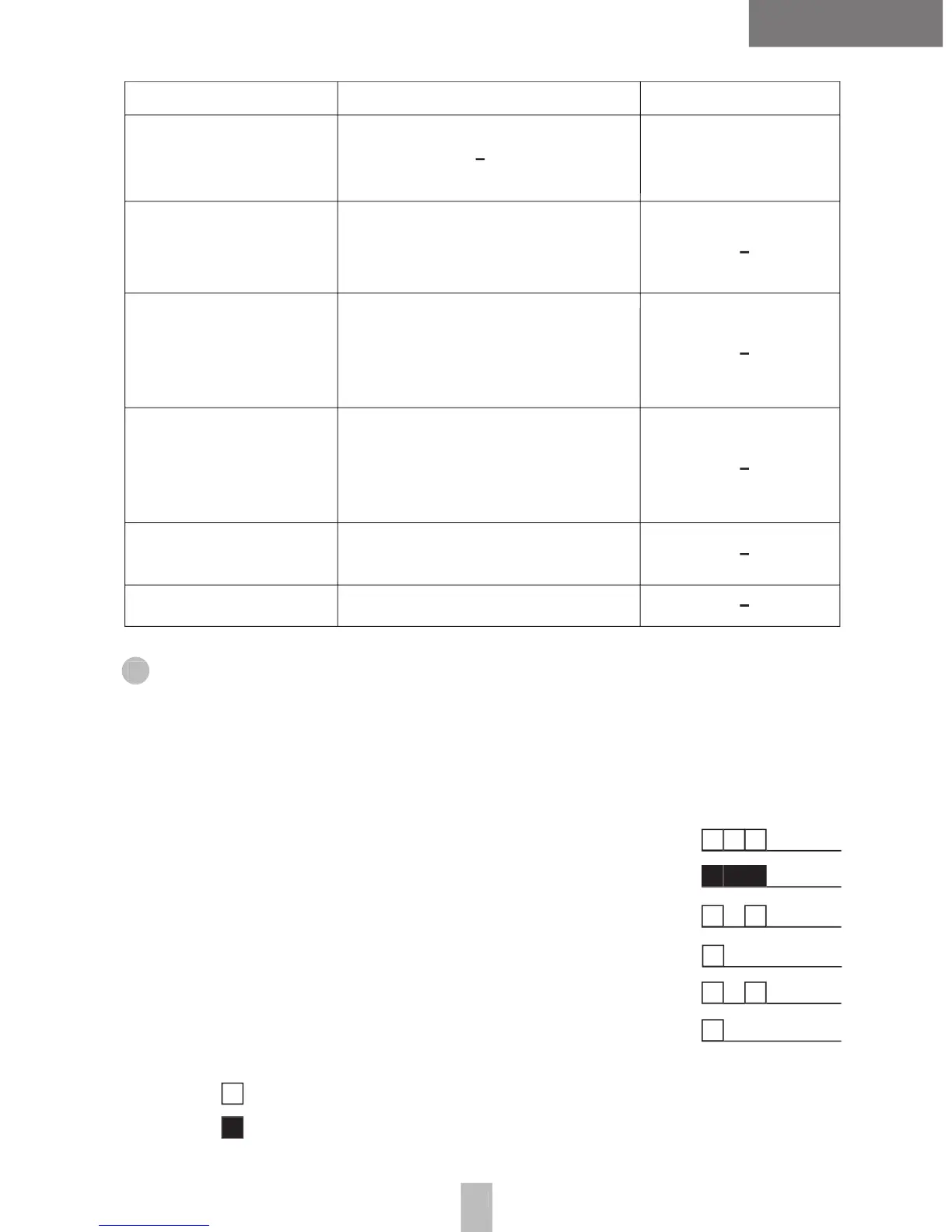
Button Function SHORT/LONG HOLD
Monitor
Scan
Squelch
Call
Monior is
activated on your
selected channel
Delete
a Nuisance
Channel
Repeater /
Ta
lk-around
To start scanning
from a current channel
or to quit scanning
To set the squelch level
between normal and tight
To page radios
Wenn scanning,
you can temporarily remove
an unwanted channel
from the scann list
To use a repeater function
or to allow communications
directly with other parties
without using a repeater
8. Accessory Connector Cap
8. Accessory Connector Cap
1. Power on and self test success beep
2. Power on and self test failure beep
3. VOX power on beep (High Sensitivity)
4. VOX Power on beep (Low Sensitivity)
mark means high voice beep.
mark means low voice beep
To access your accessory connector, remove the pro -
tection cover by removing the retaining screw.


 To Next Page