Getting Started with InO-Bot and Scratch on Windows
InO-Bot Bluetooth Connection
For all versions of Windows:
1. Ensure that Scratch 2 Offline is installed. For more details see:
https://scratch.mit.edu/scratch2download/
2. Download and install the TTS Scratch Launcher from the supporting material
section of this page:
http://www.tts-group.co.uk/ino-bot-scratch-programmable-bluetooth-floor-robot/1009821.html
Windows 7 Bluetooth Connection
1. Switch on InO-Bot
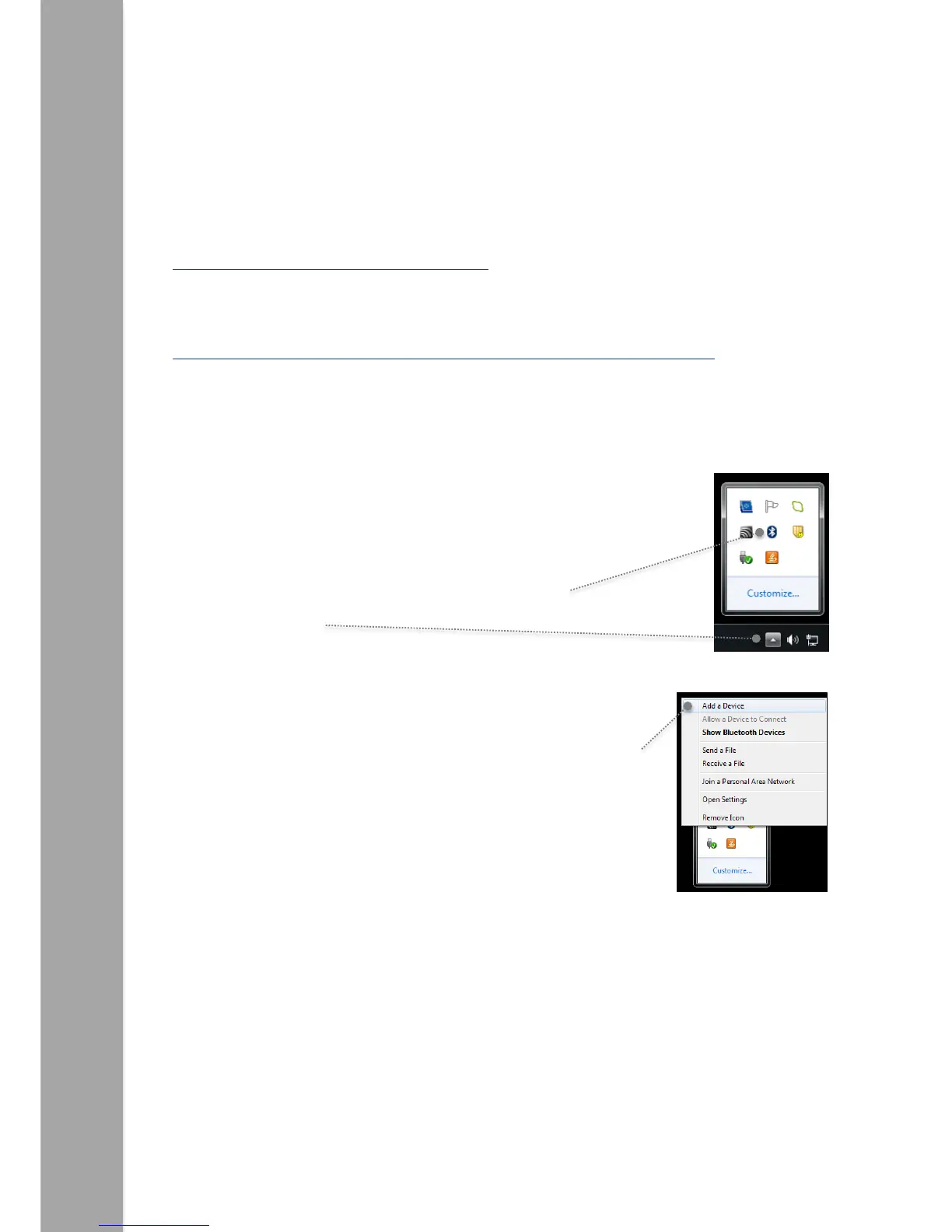
2. Click on the small arrow on the taskbar and then click on the
Bluetooth icon.
3. From the menu that appears click on ‘Add a Device’.
4. A list of available Bluetooth devices will be shown.



 To Next Page