11
HELP
RESET
CUSTOMER CARE
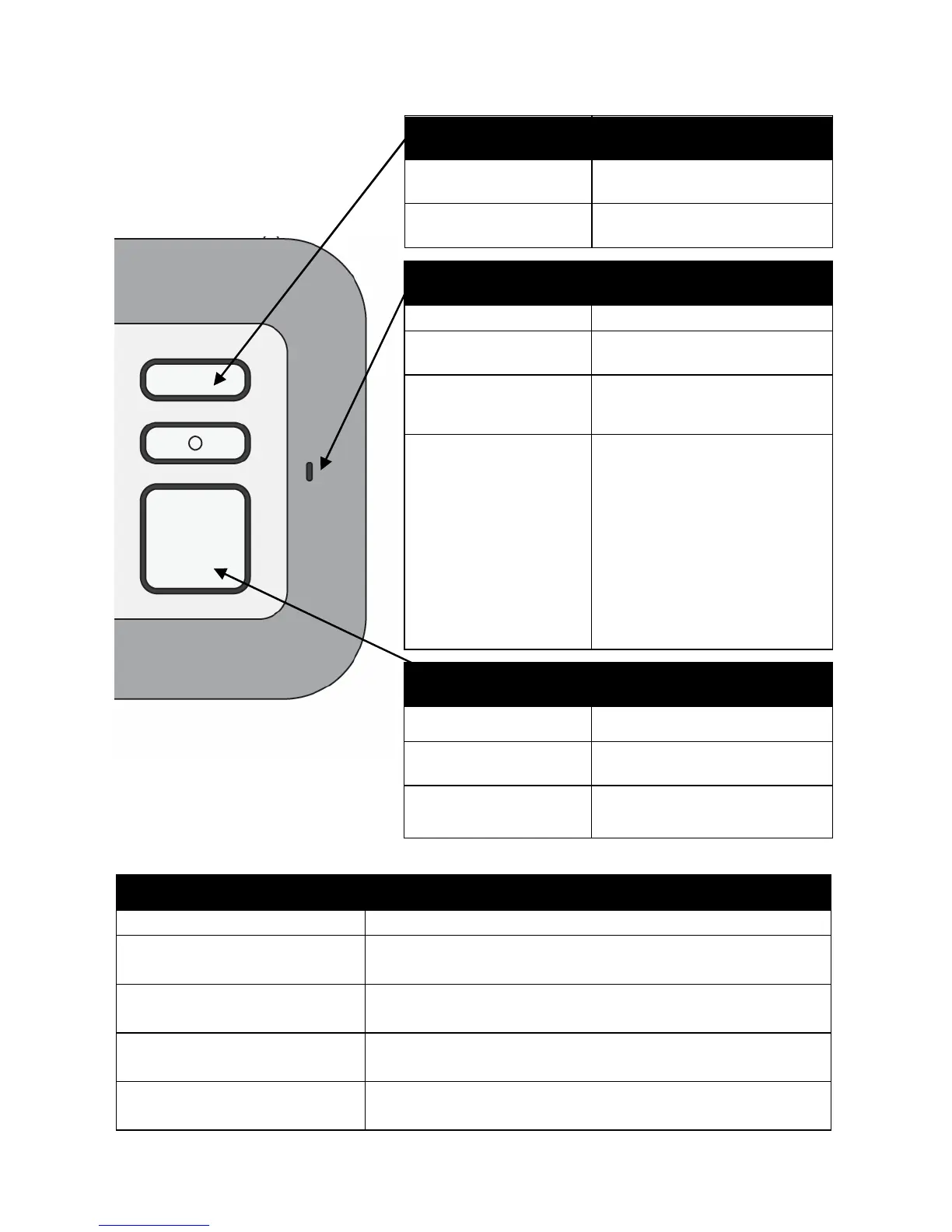
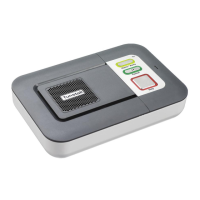
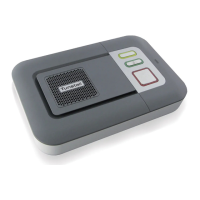
Home Console Unit Messages & Status Lights
Help Activator Indicator Light
Indicator lights Message Description
Light off Normal mode
Light on when pressed
When the button is pressed, the lights will
steadily illuminate for a short period
Light flashing red after
the button is pressed
The battery is low. Contact your Service
Provider.
Light flashing orange
Fall Detector error detected. Contact your
Service Provider immediately.
No light when pressed
The internal battery is fully depleted. The button
will not work. Contact your Service Provider.
status
Green LED on Normal mode
Red LED flashing
(1 every 4 seconds)
Low battery
Red LED flashing
(1 every second)
Telephone line
disconnected
Red/Green flashing
Radio blocking detected.
Check that the home unit
is not close to any other
electrical devices such as
a computer, television,
fan, mobile phone. If so,
turn-off or move the
equipment away from the
home unit and check if
this stops the warning.


 To Next Page