10
Using your PX51 Headset on PS3™
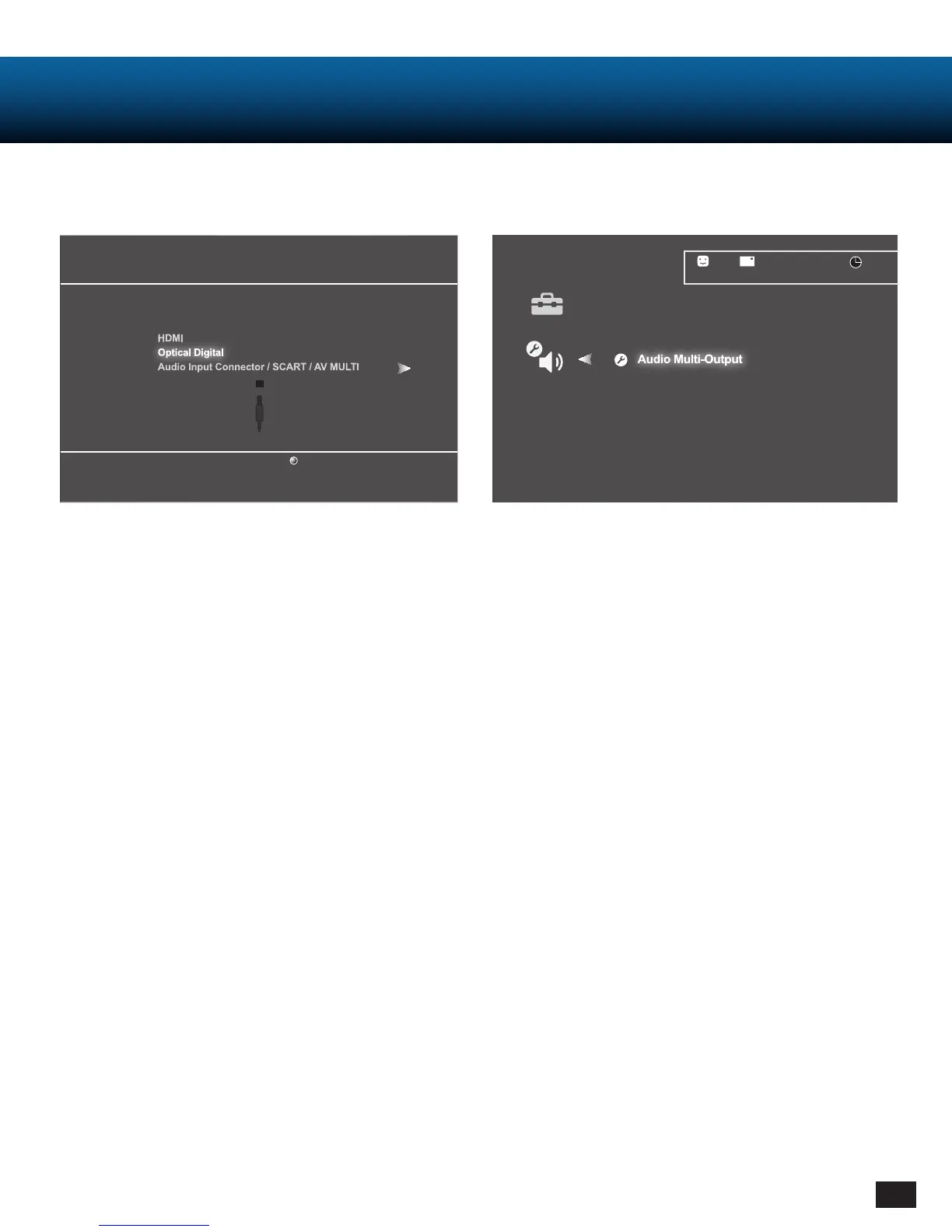
PS3 Output Settings
1. Go to Settings
- Choose “Sound Settings”
- Choose “Audio Output Settings”
- Choose “Optical Digital”
- Choose “Dolby Digital 5.1 Ch.”
2. Go to Settings
- Choose “Sound Settings”
- Choose “Audio Multi-Output” and set to “On”
Audio Output Settings
Select the connector on the TV or AV amplifier (receiver).
Turn on the power of the connected device.
Cancel
Audio Output Settings
12/14 12:15 PM
0
On
Sets to output audio through multiple connectors
simultaneously. Audio output to connectors that are
not selected in [Audio Output Settings] is downscaled
to 2 Ch.














 To Next Page