26
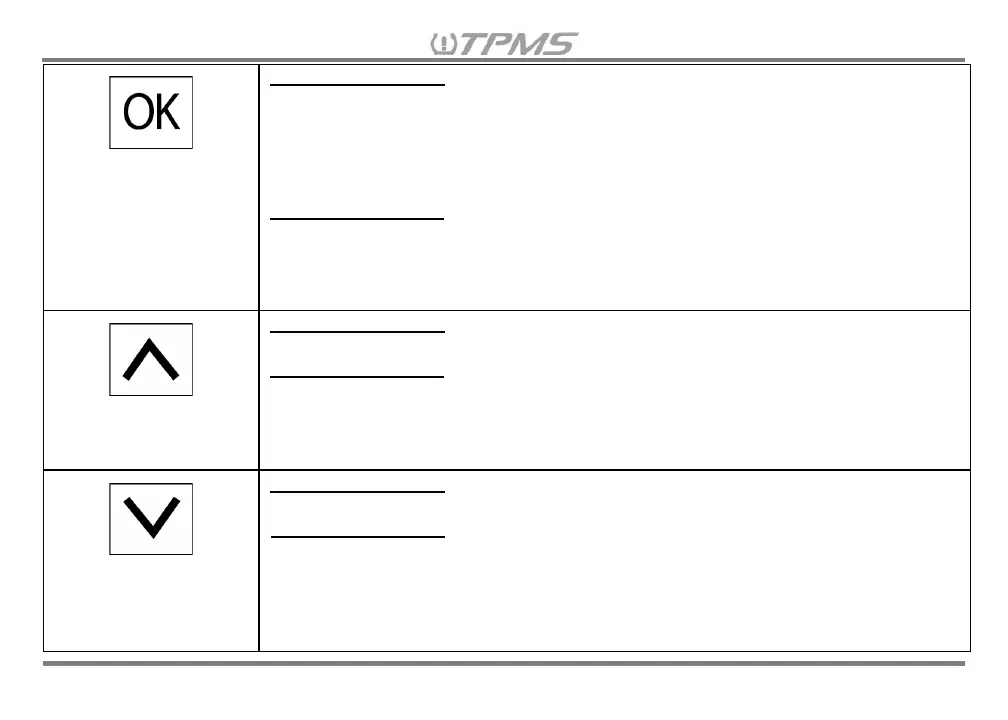
SELECT
• Mute Alarm – Press when alarm sounds (Alarm will sound again if receiver
power is reset and issue is not addressed, or another alarm occurs in the
same wheel or in other wheels)
• Turn OFF Screen – Hold for 3 seconds (receiver is working in the background
and will turn on if alarm occurs. Press any button to turn ON screen)
Setting Mode Menu
• Select Setting to View/Modify – Press to view/modify the specific setting and
the parameter/value will start blinking
• Program Setting Selection/Values – Press for each blinking selection or
value you would like to program (a short beep will sound if program is saved)
UP ARROW
• Increase Alarm Volume – Press
Setting Mode Menu
• Navigate Setting Screens – Press to scroll through different setting screens
• Modify Setting Selection/Values – Press when selection/value is blinking
• Rapid Increase in Value – Press and hold to quickly reach the desired
pressure or temperature value
DOWN ARROW
• Decrease Alarm Volume – Press
Setting Mode Menu
• Navigate Setting Screens – Press to scroll through the different setting
screens
• Modify Setting Selection/Values – Press when selection/value is blinking
• Rapid Decrease in Value – Press and hold to quickly reach the desired
pressure or temperature value


 To Next Page