- 13 -
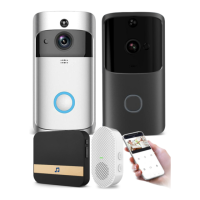
Q7: How many wireless chimes can be paired with one video doorbell?
A7:
You can add as many wireless chimes as your wish on one video doorbell.
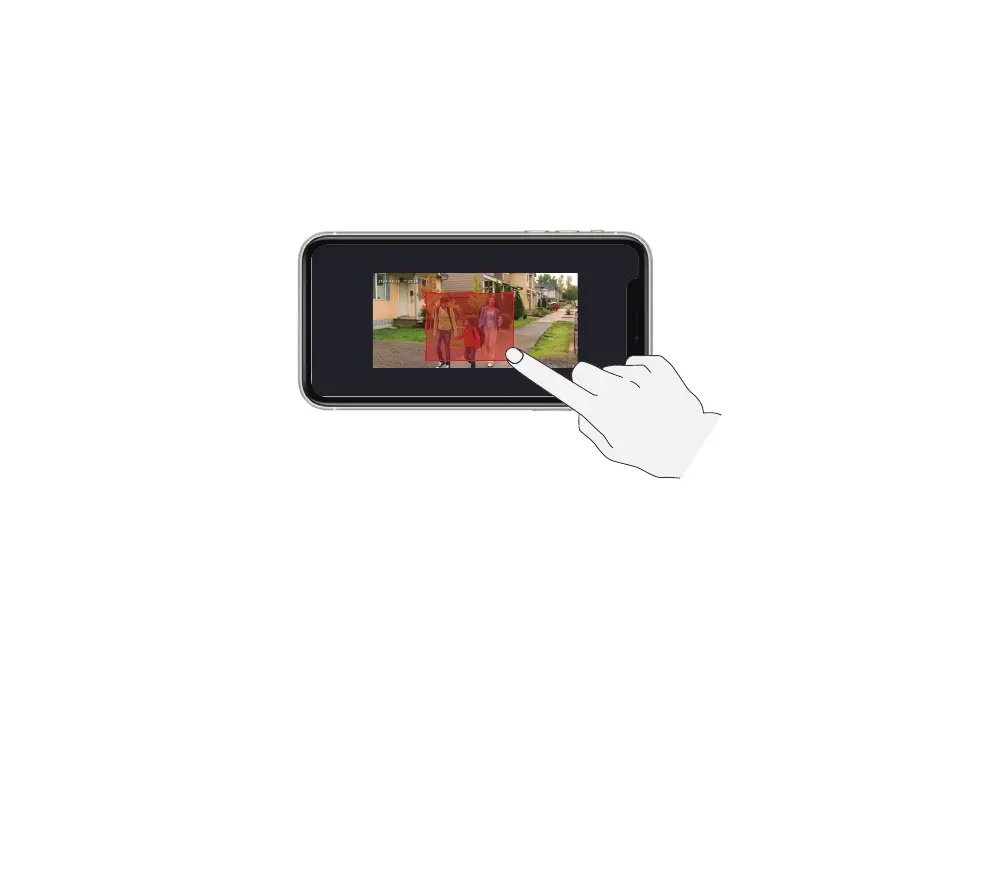
Q8: Does it support customized Motion Detection Zones.
A8:
Yes it does. Go to
Settings
-
Detection Alarm Setting
-
Surveillance Area Setting
. Use your finger
tips to draw a motion detection zone and save your settings, and the red zone is motion detection zone.
Q9: How does the video doorbell detect the motions? Can motion detection be disabled?
A9:
The doorbell camera detects motion through the full-image pixel contrast, it will further undergo a
human-shape detection to reduce false alarm rate. You can adjust the motion detection sensitivity,
customize detection zone, schedule alarm intervals and disable motion detection accordingly due to
various user scenarios.
Q10: Does the doorbell support cloud storage?
A10:
Your doorbell support MicroSD card storage as well as cloud storage. You can activate the cloud
storage service in App. Please note that cloud storage only support event recording but not full day
recording.
Q11: Does it work with Google Home or Alexa?
A11:
Yes, it works with Google voice assistant as well as Amazon Alexa.
Cancel Save
Drag/Resize the red frame to set an activity area


 To Next Page