2 - 4
Home Screen
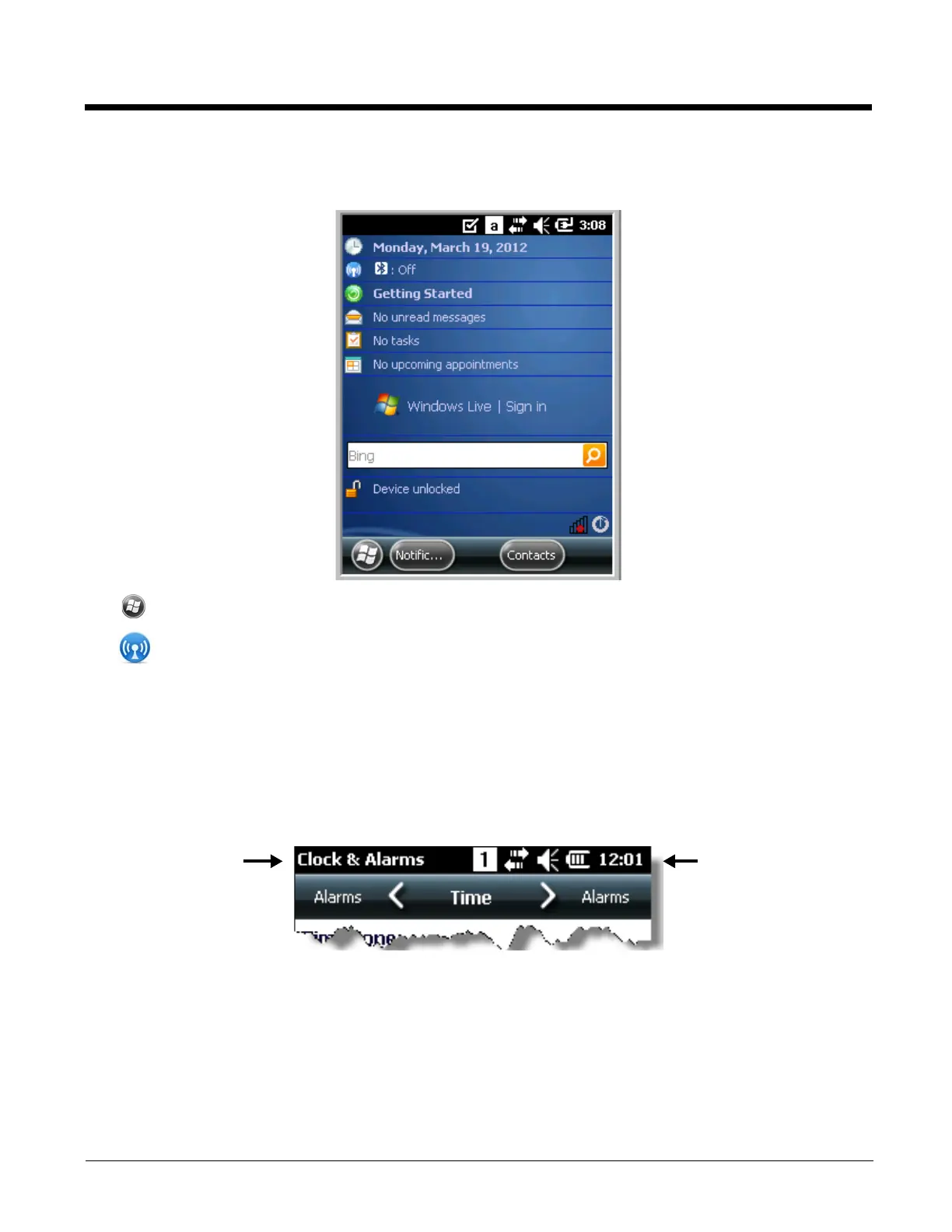
After the Dolphin terminal initializes the first time, you see the Home screen.
Tap to reach the Start screen from the home screen.
Tap to access the Dolphin Wireless Manager (see page 8-6) from the home screen.
For more information about the touch screen, see Touch Screen Display on page 3-2.
Title Bar
The Title bar, located at the top of the screen, displays the active program, the status of various system
functions, and the current time. Tapping on the title bar provides access to the Horizontal Scroll. The
scroll provides access to additional programs and application screens. For additional information, see
Horizontal Scroll on page 2-5.
Text here indicates
the active program.
Icons here indicate the
status of various system
functions.


 To Next Page