10 - 2
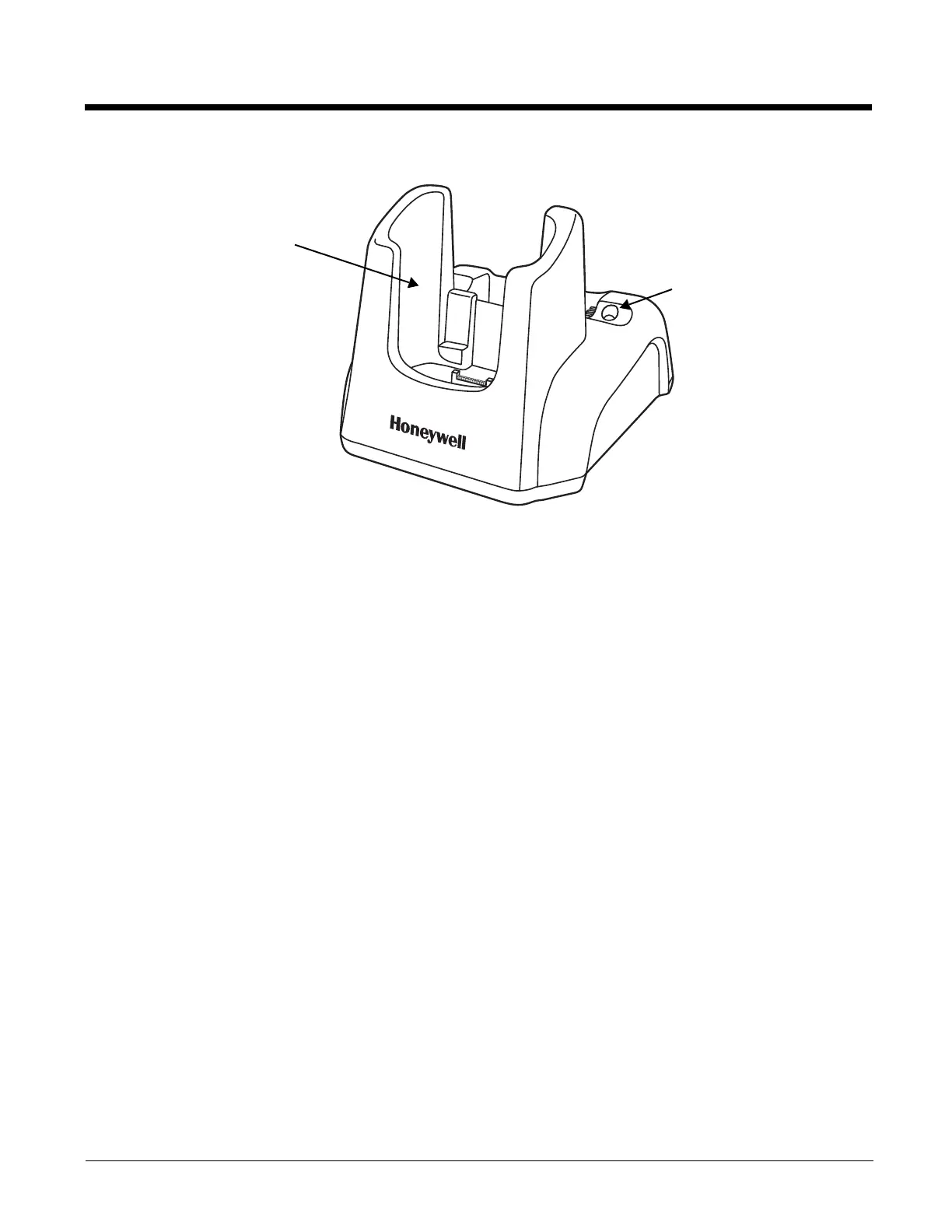
Front Panel
Terminal Well
Place the Dolphin terminal in the terminal well to communicate with a host device, power the
terminal, and charge the terminal’s battery. Make sure that the device is securely seated.
Rubber Feet
The bottom panel has four rubber feet to stabilize the unit on a flat surface. You can set the
base on a dry, stable surface, such as a desktop or workbench near an electrical outlet.
Terminal Well
Charging LED


 To Next Page