8 - 6
Dolphin Wireless Manager
The Dolphin Wireless Manager provides a centralized interface that enables and disables all the on-
board radios. Each radio has its own configuration program. The Dolphin Wireless Manager also pro-
vides shortcuts to the configuration utilities for each radio.
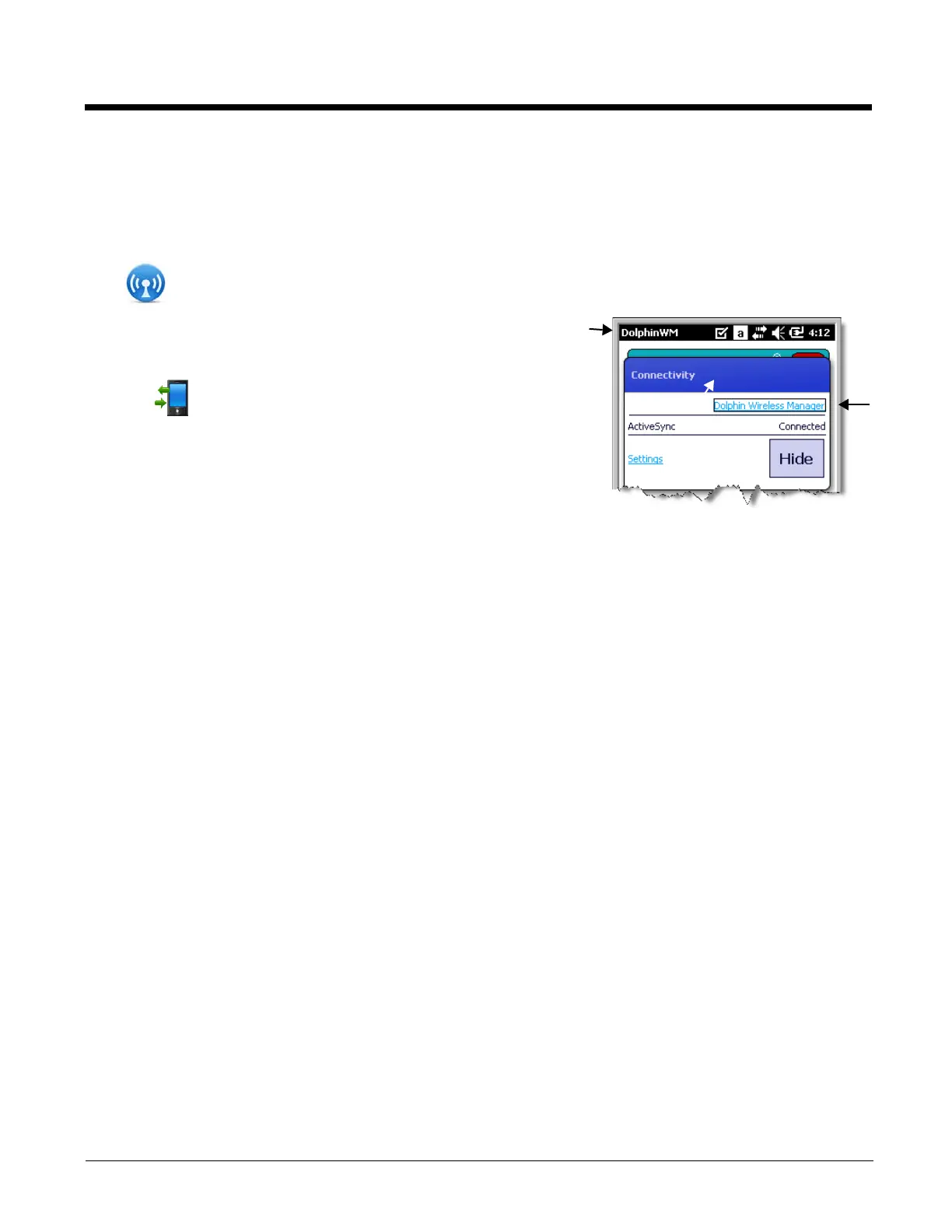
Tap on the Home screen to access the Dolphin Wireless Manager.
OR
1. Tap once on the Title bar to access the Horizontal Scroll bar.
2. Tap .
3. Select, “Dolphin Wireless Manager”.


 To Next Page