9 - 5
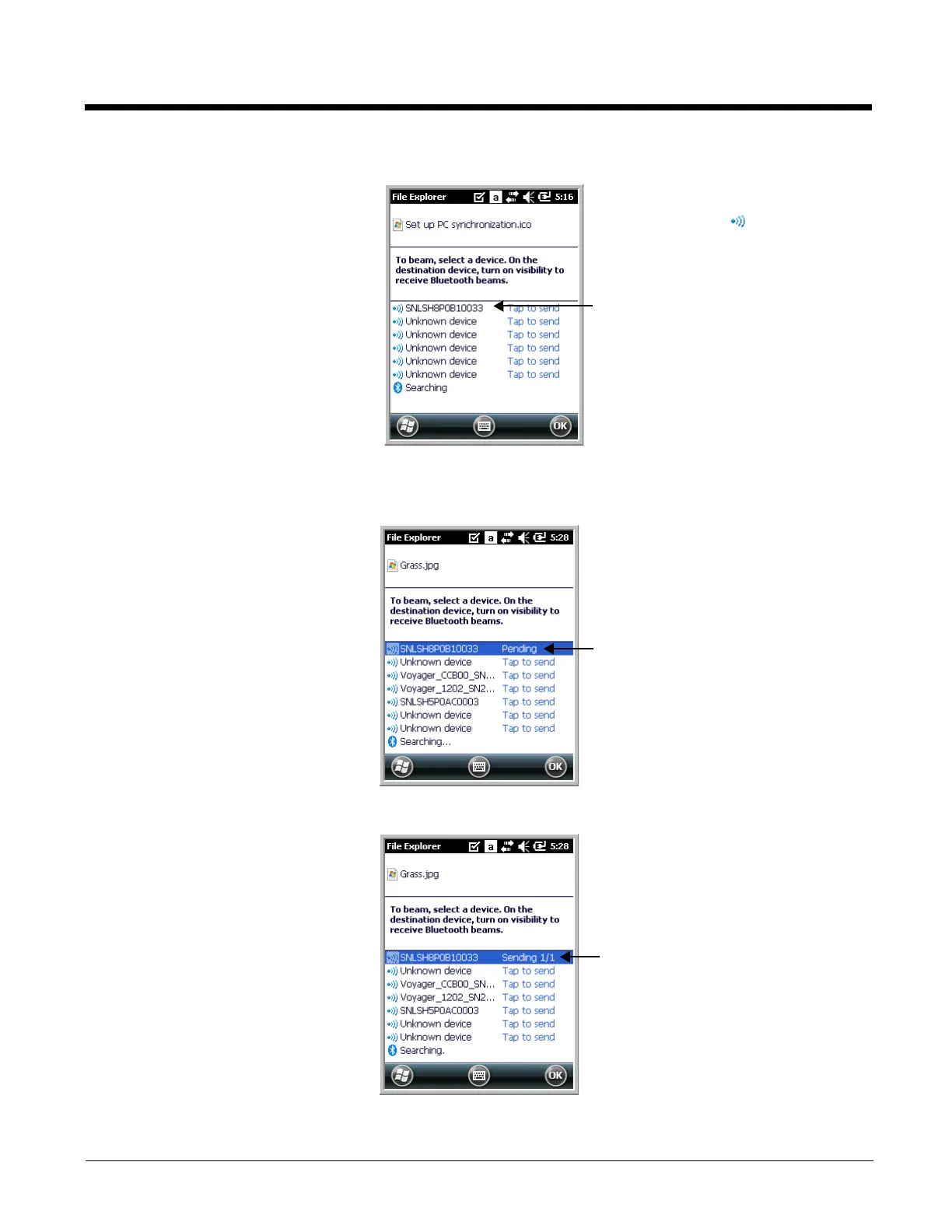
4. The Bluetooth radio begins searching for devices.
5. Tap the device to begin sending the selected file.
6. While trying to connect, the selected device reads “Pending”.
7. When the file is being transferred, the selected device reads “Sending”.
When a Bluetooth device is first
found, it appears as an
Unknown device; the icon
indicates that the device is a
Bluetooth device.
As data is retrieved, the device
IDs appear in the list.


 To Next Page