13
Press “/” button to adjust the “Tune Type”.
Note: Searching for platform will take a long time. Please
be patient!
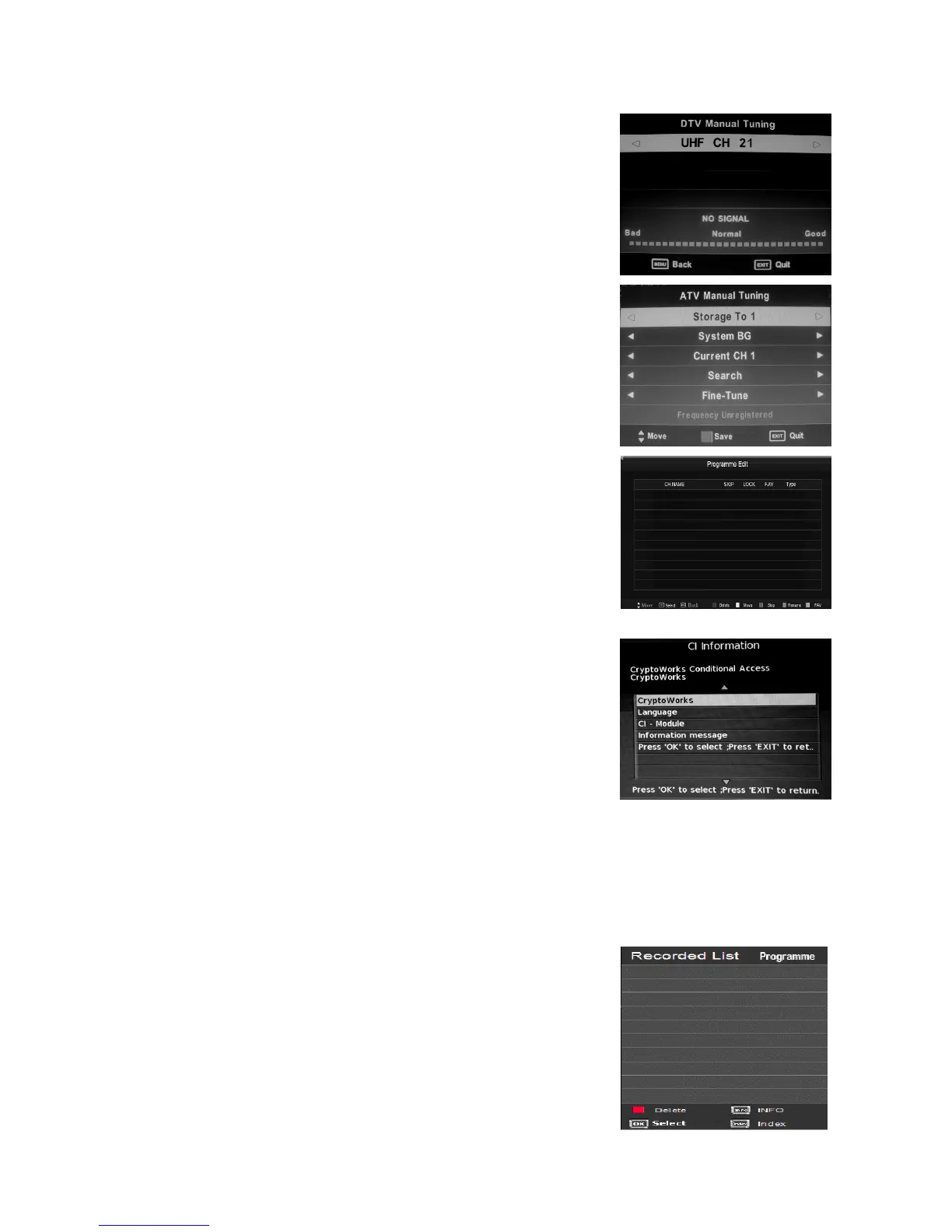
Press “/” button to select “DTV Manual Tuning” and
press the “ENTER” button to do DTV manual search. Press
“MENU” button to return the previous menu. Press
“EXIT” button to exit the menu
3. Press “/” button to select “ATV Manual Tuning”
and press the “ENTER” button to do ATV manual
search. Press “MENU” button to return the previous
menu. Press “EXIT” button to exit the menu.
4. Press “/” button to select “Programme Edit” and
press the “ENTER” button to enter.
a. DELETE
Press “/” button to select the program and press
“RED” button once to delete the program.
b. RENAM
Press “/” button to select the program and press
“GREEN” button to rename the program. Press “/”
button to select the item which you want to change and
press the “/” button to select the different item . Press
“MENU” button to confirm.
c. MOVE
Press “/” button to select the channel and press the
“YELLOW” button to move . Then press the “/”
button to select the channel with which you want to move. Press “YELLOW” button again
to confirm.
d. SKIP
Press “/” button to select the channel which you want to skip and press the “BLUE”
button to skip . Press “BLUE” button again to cancel the setting.
e. FAVORITE
Press “/” button to select the channel and press
the “FAV” button to label the channel for favorite.
5. Press “/” button to select “Signal Information” and
press the “ENTER” button to enter.
6. Press “/” button to select “CI Information” and
press the “ENTER” button to enter .
Note: The pic is provided for reference only since the



 To Next Page